How to export the HTML of an email template in Klaviyo
Here is how to export the html of an email template in klaviyo
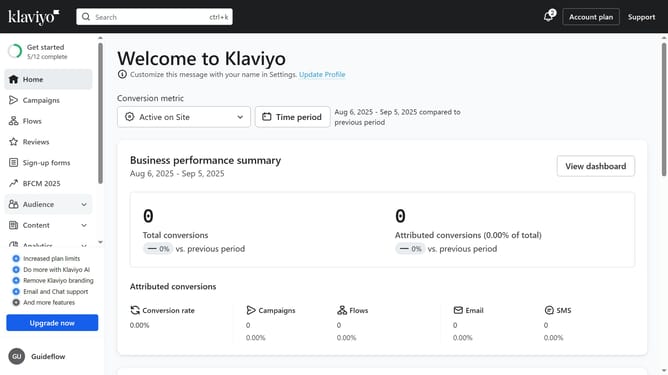
- First click on "Content" in the left sidebar menu
- Next click on "Templates" in the submenu under Content
- Navigate to the "Email: saved" tab in the Templates section
- From the list, locate the email template you want to export
- Next click the "More options" button (three dots ) next to the template
- Select "Export" from the dropdown menu
- Then copy the source code from the modal that appears
- Paste the copied HTML into a program of your choice
Why should you export the HTML of an email template in Klaviyo
Klaviyo is a powerful platform designed to enhance email marketing through data-driven insights and robust automation.
Exporting the HTML of an email template in Klaviyo is a feature that expands creative flexibility and facilitates seamless integration with other platforms.
By accessing the raw code of your email designs, you can easily replicate successful templates across various platforms, ensuring brand consistency.
This capability not only optimizes workflow efficiency but also leverages Klaviyo's intuitive tools to create visually engaging and effective communication strategies.
Last update