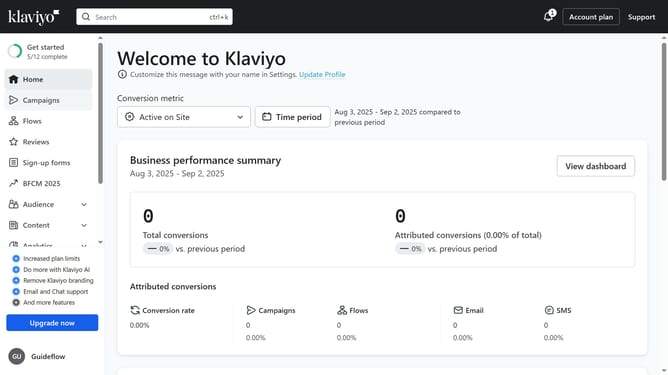
How to create a full access API key in Klaviyo
Here is how to create a full access api key in klaviyo
- First, click on your account name in the lower-left corner
- Next click on the "Settings" option in the dropdown menu
- Click on the "Account" tab in the settings navigation menu
- Select "API keys" from the left sidebar settings menu
- Then on the API Keys page, you will see your existing keys listed (Public API Key and Private API Keys)
- Scroll down to the Private API Keys and click the "Create Private API Key" button
- Next enter a name for your new key in the API Key Name field
- Then select the "Full Access Key" option under Select Access Level to grant applications full access to all API scopes
- Finally click the "Create" button to generate the new API key
- The full access API key has been successfully created
- Now make sure to copy and save the key in a secure place, as you won’t be able to view it again later
Why should you create a full access API key in Klaviyo
Klaviyo is a dynamic platform designed to enhance customer engagement through personalized marketing strategies.
Creating a full access API key in Klaviyo is an empowering feature that provides seamless integration capabilities for your applications. This API key grants comprehensive access to Klaviyo's robust set of tools and data, allowing for efficient customization and automation of tasks.
Utilizing this feature maximizes your marketing efforts by enabling smoother data management and improved customer insights, fostering more effective communication with your audience. Unlock the full potential of your marketing strategy with streamlined processes and increased operational flexibility.
Last update