How to make a sign-up form appear as a visitor scrolls in Klaviyo
Here is how to make a sign-up form appear as a visitor scrolls in klaviyo
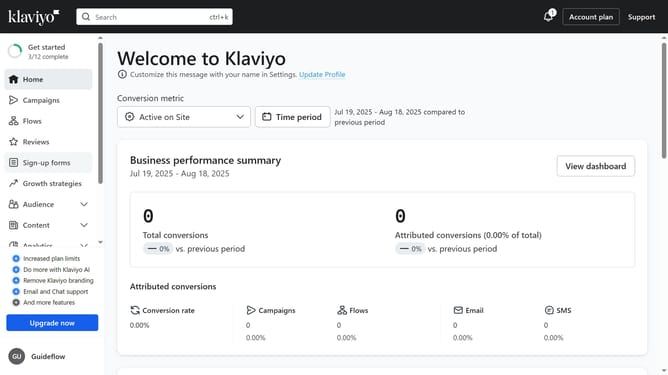
- First click on "Sign-up forms" in the left sidebar menu
- From the list of forms, locate the form you want to update
- Next click on the menu icon (three dots) next to the selected form
- Select the "Edit" option in the dropdown menu
- Then click on "Targeting and behavior" option in the left settings panel
- Click on "Display" tab in the Targeting and behavior settings
- Next click on the "Show form" dropdown menu
- Select the "Based on rules" option from the dropdown
- Then toggle on the “After visitor has scrolled a certain amount” option to display the form to visitors as they scroll down the page
- Set the desired scroll percentage in the field provided for the form to appear
- Finally, click the "Publish changes" button in the top-right corner to apply the setting
Why should you make a sign-up form appear as a visitor scrolls in Klaviyo
Klaviyo is a powerful email marketing platform designed to help businesses boost engagement and drive sales.
One standout feature is the ability to make a sign-up form appear as a visitor scrolls. This dynamic feature captures attention precisely when potential customers are engaged, enhancing the likelihood of conversion.
Using a scroll-triggered sign-up form enriches user experience by offering unobtrusive engagement, cultivating higher subscriber growth, and creating opportunities for personalized communication.
Last update