How to delete your background image from a sign-up form in Klaviyo
Here is how to delete your background image from a sign-up form in klaviyo
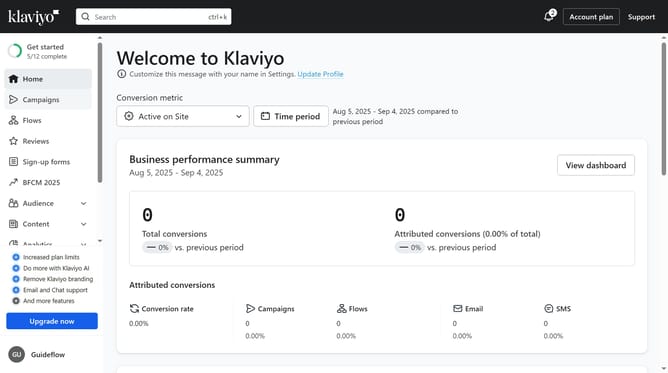
- First click on "Sign-up forms" in the left sidebar menu
- Locate the form where you want to delete the background image in the list
- Next click on the "options" menu (three dots) next to the form
- Click on "Edit" option in the dropdown menu
- Head to the "Styles" section and scroll to the Form Background settings
- Then click on the "Remove" option under the background image preview
- Alternatively, you can directly toggle off the “Background Image” option
- Finally click on "Publish changes" button to apply the change
Why should you delete your background image from a sign-up form in Klaviyo
Klaviyo is a versatile marketing platform designed to enhance your business's email and SMS outreach.
Removing the background image from your sign-up form in Klaviyo can significantly improve readability and user experience, creating a clean and focused interface that easily captures leads.
Using this feature, businesses can ensure their forms load faster and are visually appealing to users, leading to higher conversion rates and a more cohesive brand presence.
Streamlining elements like background images helps in maintaining a distraction-free environment for potential subscribers.
Last update