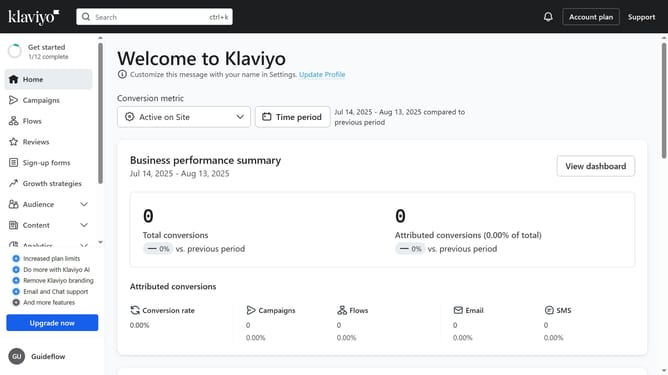
How to choose which audience sees your form in Klaviyo
Here is how to choose which audience sees your form in klaviyo
- First, click on "Sign-up forms" in the left sidebar menu
- From the list of forms, locate the form you want to edit
- Next, click on the menu icon (three dots) next to the form
- Select "Edit" from the dropdown menu
- Then click on "Targeting and behavior" option in the left settings panel
- Click on the "Targeting" tab in the targeting and behavior settings
- Next click on the visitor targeting dropdown menu to view all audience options
- Then select the audience you want your form to target from the dropdown menu
- Finally, click "Publish Changes" in the top-right corner to save your settings
- Your form will now appear only to the visitors you targeted
Why should you choose which audience sees your form in Klaviyo
Klaviyo is a powerful marketing automation platform designed to help businesses personalize their communications with customers.
The ability to choose which audience sees your form in Klaviyo enhances your targeted marketing strategies. This feature allows you to tailor your forms to reach specific segments within your audience, ensuring that the right message reaches the right people.
Using this feature not only boosts engagement but also improves conversion rates. By focusing your efforts on the most relevant audience, you maximize the impact of your marketing campaigns while fostering stronger customer relationships.
Last update