How to change the industry associated with your Klaviyo accoun
Here is how to change the industry associated with your klaviyo accoun
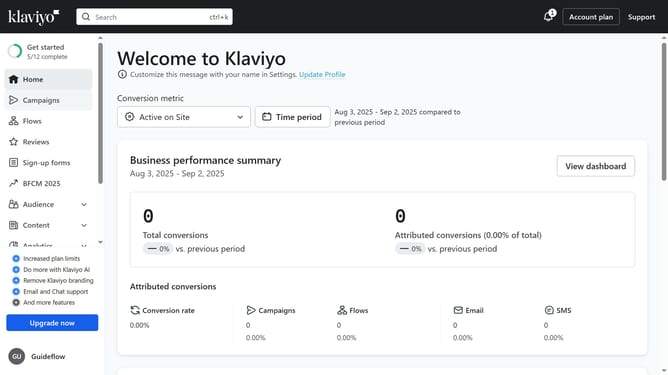
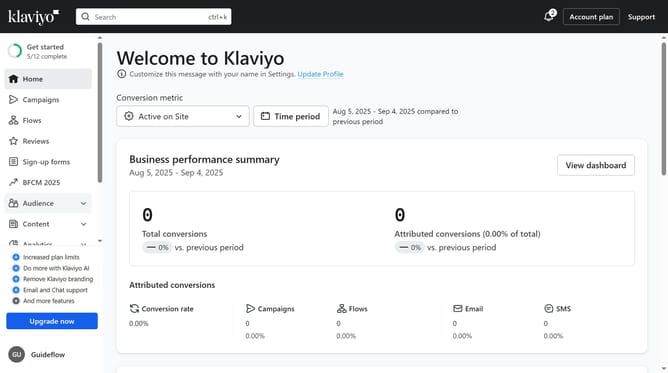
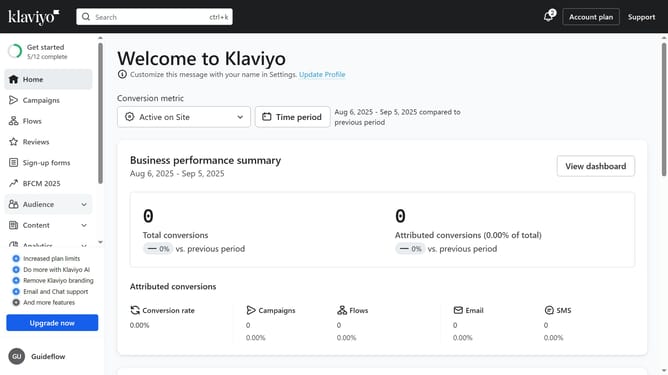
- First click on your account name in the lower-left corner
- Next click on "Settings" option in the dropdown menu
- Click on "Organization" item in the left settings menu
- Then scroll down to the "Industry information" section
- Click on the "Industry" dropdown menu
- Select a new industry that matches your business from the industry dropdown list
- Finally click the "Save" button in the top right corner
- You have successfully updated your industry
Why should you change the industry associated with your Klaviyo accoun
Klaviyo is a powerful tool designed to revolutionize email marketing strategies through personalized customer experiences.
Changing the industry associated with your Klaviyo account can help tailor the platform's features to better align with your business goals.
This adjustment allows Klaviyo to offer more relevant insights and suggestions, optimizing your marketing efforts.
Ultimately, aligning your account with the right industry ensures you're utilizing features that are most beneficial for your specific market segment.
Last update