How to duplicate a campaign in Klaviyo
Here is how to duplicate a campaign in klaviyo
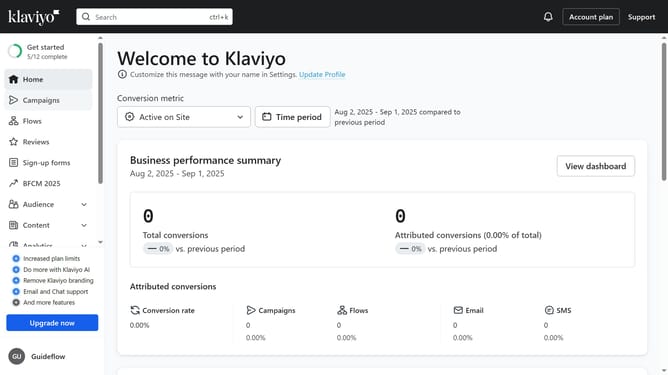
- First click on the "Campaigns" item in the left sidebar menu
- Locate the campaign you want to duplicate
- Next click on the "Actions" menu (three dots) next to the campaign
- Select "Clone" option from the dropdown menu
- Enter a new name for the duplicated campaign in the name field
- Then click the "Continue" button in the clone dialog
- Next configure your recipients and the sending details for the campaign
- Click "Next" button in the top-right corner of the campaign editor
- In the message editor, update the email message details as needed
- Once finished, click the "Next" button in the top-right corner to proceed
- Then here review all your campaign settings and content carefully
- Click the "Schedule or send" button in the top-right corner
- To schedule the campaign for later, select the "Schedule" option
- To send the campaign immediately, select "Send Now" option
- Finally click the "Send now" button
- The duplicated campaign has been successfully created and is now scheduled
Why should you duplicate a campaign in Klaviyo
Klaviyo is a powerful platform that allows businesses to effortlessly craft personalized marketing campaigns.
A standout feature is its ability to duplicate campaigns efficiently. This function isn't just a time-saver; it ensures consistency in branding and messaging. By duplicating successful campaigns, you leverage previous successes, making iterations easier and quicker.
This feature supports seamless campaign management, enabling you to maintain momentum while fine-tuning specific elements, ultimately enhancing engagement and boosting results.
Last update