How to view analytics for a sign-up form in Klaviyo
Here is how to view analytics for a sign-up form in klaviyo
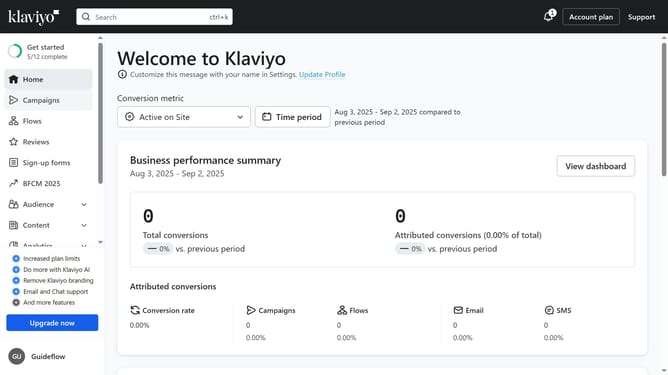
- First click on "Sign-up forms" in the left sidebar menu
- Locate the form you want to analyze from your list of forms
- Next click on the "more options" menu (three dots icon) next to it
- Then select "Analytics" from the dropdown menu
- From here, you can navigate to the "Overview" tab and the "A/B Test Results" tab to get a comprehensive view of your form’s performance
- In the Overview page, you’ll see analytics based on Placed Order metrics, with data from the past 7 days grouped by day
Why should you view analytics for a sign-up form in Klaviyo
Klaviyo is a powerful platform designed for data-driven marketing automation and email campaigns.
Viewing analytics for a sign-up form in Klaviyo gives you insights into user behaviors, helping optimize engagement strategies.
By analyzing how visitors interact with your forms, you can make informed decisions to increase conversions and tailor your marketing efforts effectively.
This feature empowers businesses to enhance their customer acquisition processes with precise data, maximizing the impact of marketing campaigns.
Last update