How to view Email campaigns in Klaviyo
Here is how to view email campaigns in klaviyo
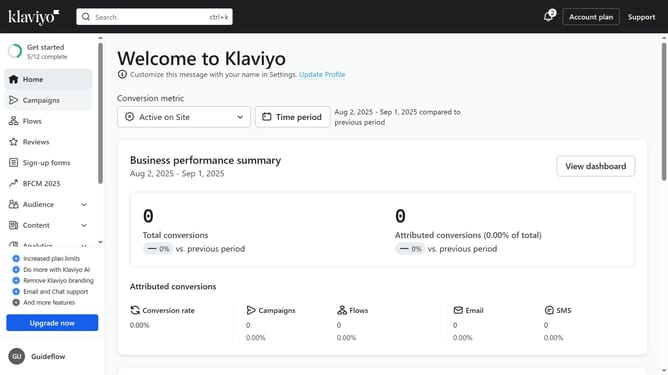
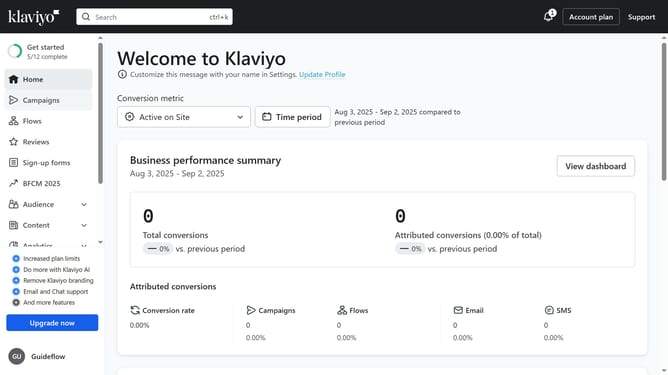
- First click on "Campaigns" in the left sidebar menu
- Next click on the "Channels" dropdown filter in the top filter bar
- Then select "Email" option from the Channels dropdown menu
- The campaigns list will now show only Email campaigns
Why should you view Email campaigns in Klaviyo
Klaviyo is a powerful marketing platform designed to help businesses effectively communicate with their audiences through email and SMS.
One of Klaviyo's standout features is its ability to view and manage email campaigns seamlessly. This feature provides marketers with an intuitive interface to access all their campaigns in one place, enhancing efficiency and oversight.
By utilizing this feature, users can gain valuable insights into campaign performance, allowing for data-driven decisions and optimizing future strategies. This leads to more targeted communication, fostering stronger customer relationships and engagement.
Last update