How to export a list or segment in Klaviyo
Here is how to export a list or segment in klaviyo
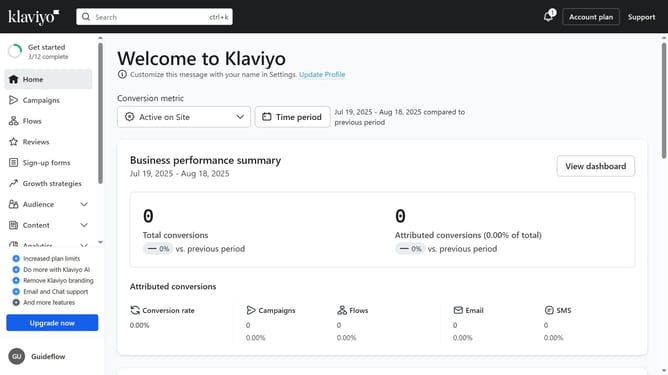
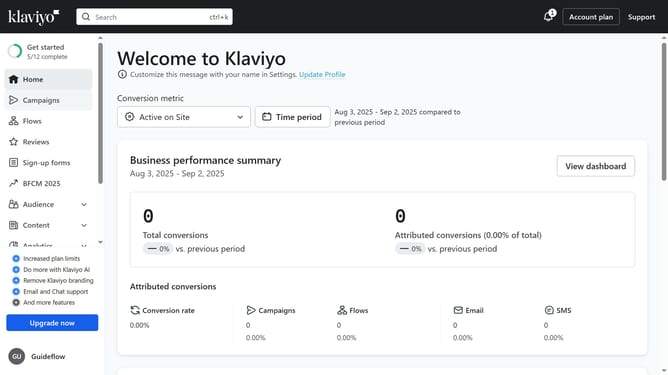
- First click on "Audience" in the left sidebar
- Next click on "Lists & segments" option in the Audience submenu
- Locate and select the list or segment you want to export
- Then click on "Manage List" or "Manage segment" button in the top right corner
- Select "Export list to CSV" option from the dropdown menu
- In the Export Review screen, export all properties associated with your contacts' profiles, or just specific ones
- Finally click on "Start Export" button to generate the file
- Your selected list or segment will now be exported and downloaded as a CSV file on your device
Why should you export a list or segment in Klaviyo
Klaviyo is a leading email marketing platform designed to enhance customer engagement and boost sales.
Exporting a list or segment in Klaviyo allows businesses to effectively manage their audience data outside of the platform. It enhances flexibility by enabling deeper analysis and integration with other tools.
This feature streamlines data sharing across marketing and analytics teams, ensuring that everyone works with accurate and up-to-date information. It empowers businesses to tailor marketing strategies and drive growth efficiently.
Last update