How to reschedule a sign-up form in Klaviyo
Here is how to reschedule a sign-up form in klaviyo
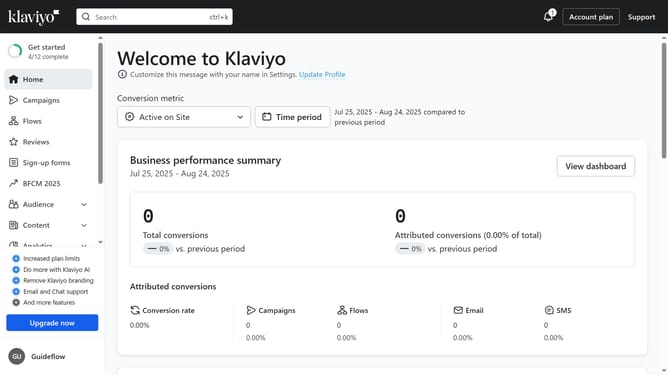
- First click on "Sign-up forms" in the left sidebar menu
- Next locate the form whose schedule you want to reschedule
- Click on the menu icon (three dots) next to the form
- Select "Edit schedule" from the dropdown menu
- Then in the Schedule form modal, adjust the start date, end date, time or timezone as needed
- Finally once you're done, click the "Reschedule" button to save the new schedule
- Your sign-up form has now been successfully rescheduled
Why should you reschedule a sign-up form in Klaviyo
Klaviyo is a powerful platform designed to streamline and enhance your email marketing efforts.
One of its standout features is the ability to reschedule a sign-up form, offering flexibility and improved customer engagement.
Rescheduling enables you to better time your interactions, ensuring forms appear when audiences are most likely to engage.
This dynamic flexibility leads to higher conversion rates, as it aligns form visibility with user behavior, optimizing the chances of capturing leads effectively.
Last update