How to view your existing API keys in Klaviyo
Here is how to view your existing api keys in klaviyo
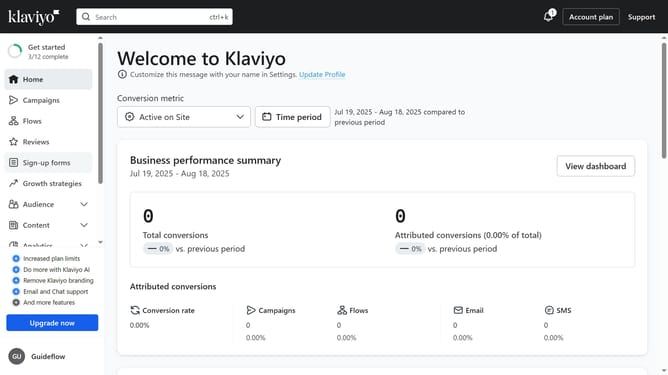
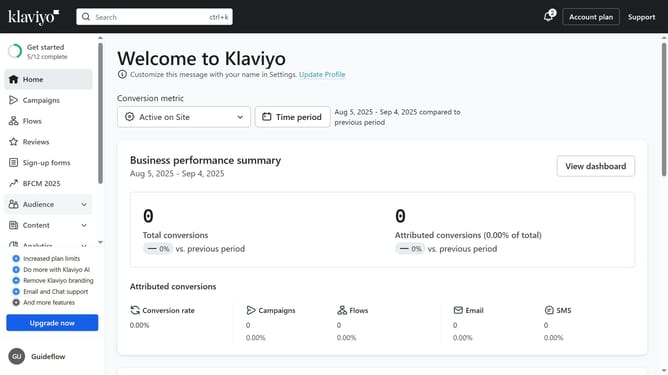
- First click on your account name in the lower left
- Next click on "Settings" option in the dropdown menu
- Click on the "Account" tab in the settings navigation menu
- In the left settings submenu, click on the "API keys" option
- Then on the API Keys page, you will see your existing keys listed (Public API Key and Private API Keys)
Why should you view your existing API keys in Klaviyo
Klaviyo is a powerful platform designed to enhance customer engagement through data-driven email marketing.
Being able to view your existing API keys in Klaviyo ensures seamless integration with other applications. This feature allows users to efficiently manage their connections, ensuring that your marketing campaigns run smoothly.
By having access to your API keys at a glance, you can quickly troubleshoot potential issues, maintaining the flow of vital information and safeguarding your data exchanges.
Last update