How to target specific visitors for your sign-up form in Klaviyo
Here is how to target specific visitors for your sign-up form in klaviyo
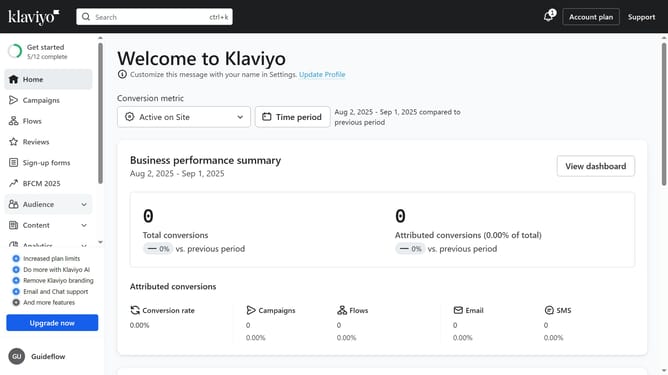
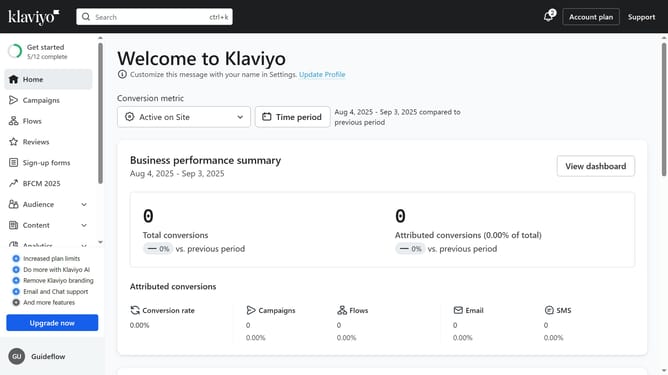
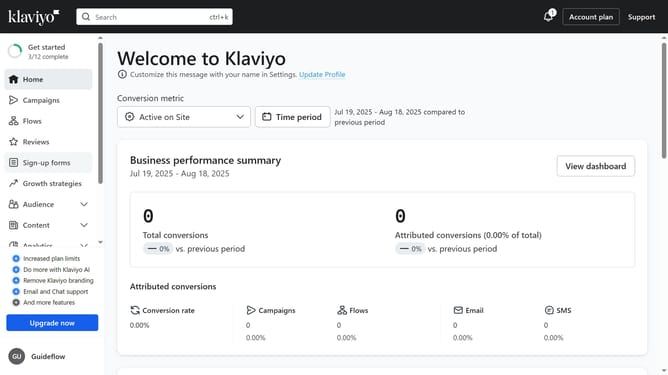
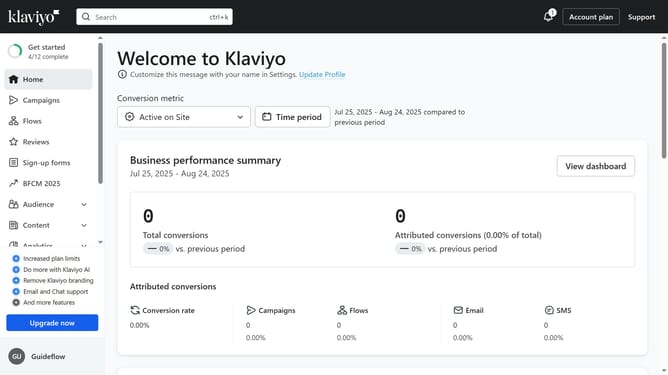
- First, click on "Sign-up forms" in the left sidebar menu
- From the list of forms, locate the form you want to edit
- Next, click on the menu icon (three dots) next to the form
- Select "Edit" from the dropdown menu
- Then click on "Targeting and behavior" option in the left settings panel
- Click on the "Targeting" tab in the targeting and behavior settings
- Next click on the visitor targeting dropdown menu
- Then select the targeting option that fits your goal from the dropdown options
- Finally, click "Publish Changes" in the top-right corner to save your settings
- Your form will now appear only to the visitors you targeted
Why should you target specific visitors for your sign-up form in Klaviyo
Klaviyo is a powerful platform designed to elevate your email marketing by fostering personalized engagement.
To target specific visitors for your sign-up form in Klaviyo, you leverage advanced segmentation features.
This enables you to customize the experience for different audience segments, enhancing conversion rates by addressing each visitor's unique interests and behaviors.
Using precise targeting enriches the user experience, leading to more meaningful interactions and fostering long-lasting customer relationships.
Last update