How to create a sign-up form in Klaviyo
Here is how to create a sign-up form in klaviyo
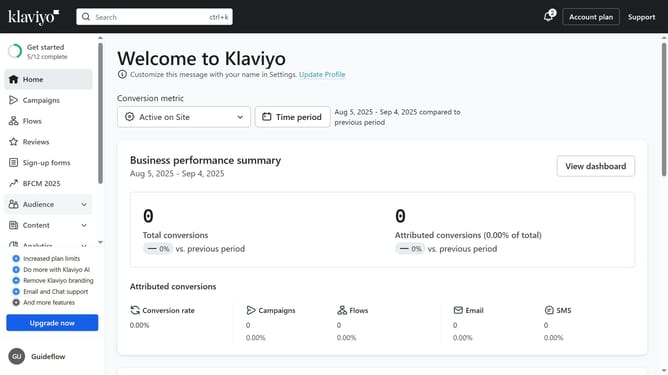
- First click on "Sign-up forms" in the left sidebar menu
- Next click on the "Create form" button in the top right corner
- Browse the library of pre-built form templates
- Then select a template from the options
- On the preview modal that appears, enter a name for your form
- Next choose the list that your form will submit to
- Click the "Create form" button at the bottom of the modal to enter the form editor
- Your form has been successfully created. Finally you can customize its design and content
- Once your form is ready, click the "Publish" button to make it live if desired
Why should you create a sign-up form in Klaviyo
Klaviyo is a powerful email marketing platform designed to help businesses engage and grow their customer base through personalized communication.
Creating a sign-up form in Klaviyo is a seamless way to capture leads and expand your audience effortlessly. Its user-friendly interface allows you to design visually appealing forms that can be tailored to fit your brand's aesthetics and goals.
Using Klaviyo’s sign-up forms not only enhances your ability to collect valuable customer data but also enables you to initiate meaningful interactions, ultimately boosting your marketing strategy.
Last update