How to change a sign-up form’s status to draft in Klaviyo
Here is how to change a sign-up form’s status to draft in klaviyo
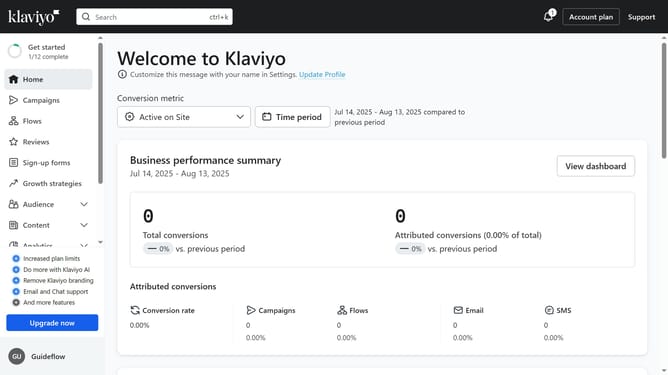
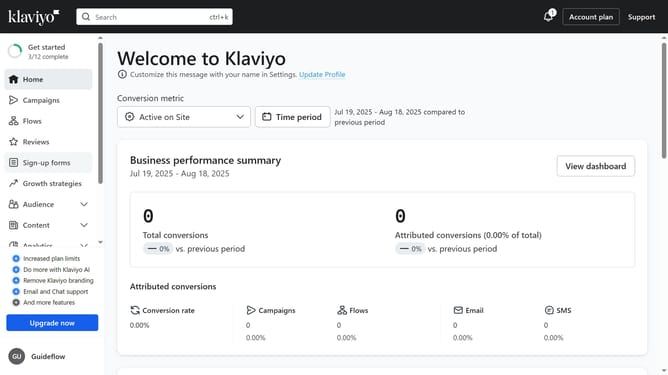
- First click on "Sign-up forms" in the left sidebar menu
- Locate the form you want to change the status to draft in the forms list
- Next click on the options menu (three dots) next to the form
- Click on "Edit" option in the dropdown menu
- In the form editor, click on the status dropdown in the top right
- Finally select "Draft" option to unpublish the form from the status options
- The form is now set to Draft and no longer visible on your website
Why should you change a sign-up form’s status to draft in Klaviyo
Klaviyo is an innovative platform designed for data-driven marketing automation, helping businesses connect with their customers effectively.
Switching a sign-up form’s status to draft in Klaviyo is a straightforward feature that offers great flexibility.
By changing the status to draft, marketers can pause their campaigns to refine strategy without permanently discarding designs. This ensures that every sign-up form meets the highest standards before going live.
This feature empowers users to maintain control and enhance campaign efficacy while optimizing user experiences.
Last update