How to filter campaigns by segment in Klaviyo
Here is how to filter campaigns by segment in klaviyo
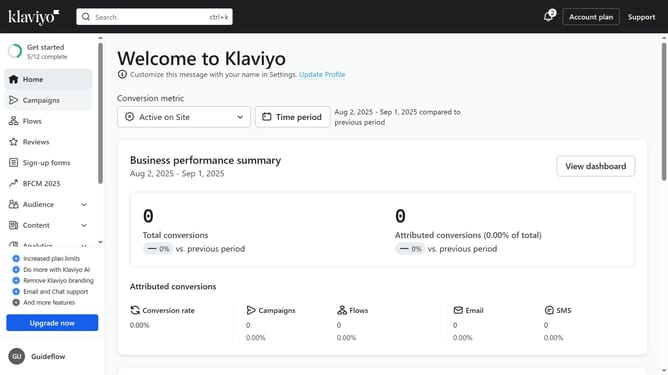
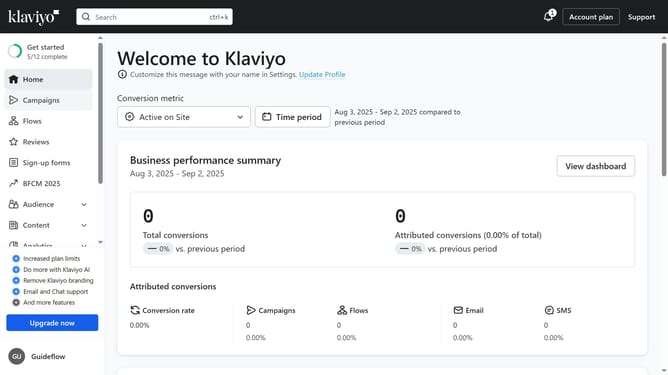
- First click on the "Campaigns" in the left sidebar menu
- Next click on the "Audience" filter button in the top toolbar
- Then select the segment you want to filter by, from the dropdown menu
- The campaigns list will now display only campaigns associated with the selected segment
Why should you filter campaigns by segment in Klaviyo
Klaviyo is a powerful platform designed to enhance email marketing through precise audience targeting.
The ability to filter campaigns by segment in Klaviyo ensures that your marketing efforts reach the right audience. This feature allows you to categorize and target your subscribers based on specific criteria like behavior, location, or purchase history.
Using this feature can significantly improve engagement and conversion rates by delivering personalized content to segmented audiences, maximizing the impact of your campaigns.
Last update