How to send a campaign in Klaviyo
Here is how to send a campaign in klaviyo
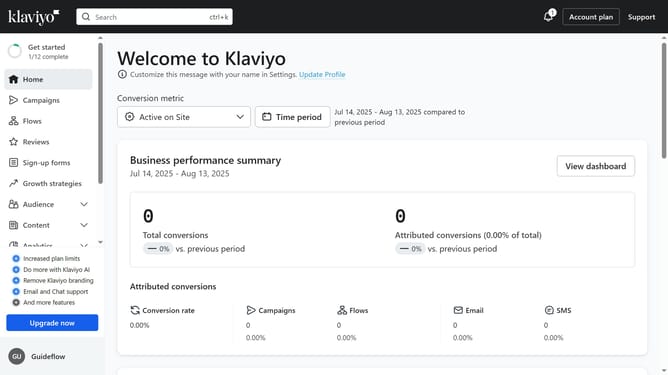
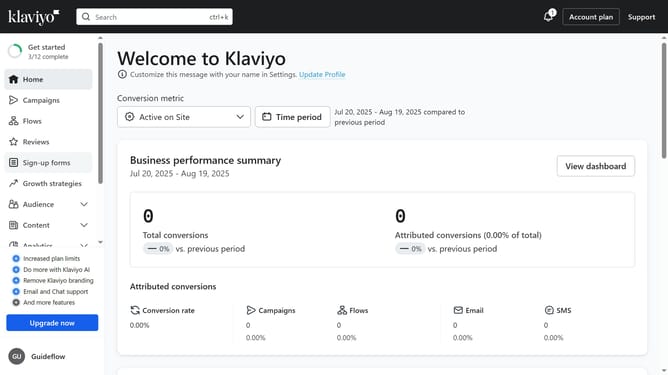
- First click on "Campaigns" in the left sidebar menu
- Next click the "Create Campaign" button to start a new one
- Alternatively, select a draft campaign you want to send from the campaigns list
- Next configure the audience you want to send to and set the sending details
- Click the "Next" button in the top-right corner to proceed
- Review the campaign content and message details to make sure everything is correct
- Continue by clicking the "Next" button again
- Then click the "Schedule or send" button in the top-right corner
- Next select the "Send now" option
- Finally, click "Send Now" to send your campaign immediately
- Your campaign has now been successfully sent
Why should you send a campaign in Klaviyo
Klaviyo is a powerful email marketing platform designed to help businesses of all sizes reach their audiences effectively.
Sending a campaign in Klaviyo is simple, allowing you to craft targeted messages that resonate with recipients. This feature ensures that your campaigns are timely and relevant, increasing engagement rates.
Using Klaviyo for your campaigns offers the benefit of robust analytics, letting you track performance effortlessly. By leveraging its intuitive interface, you can enhance your marketing strategy and strengthen customer relationships.
Last update