How to filter campaigns by list in Klaviyo
Here is how to filter campaigns by list in klaviyo
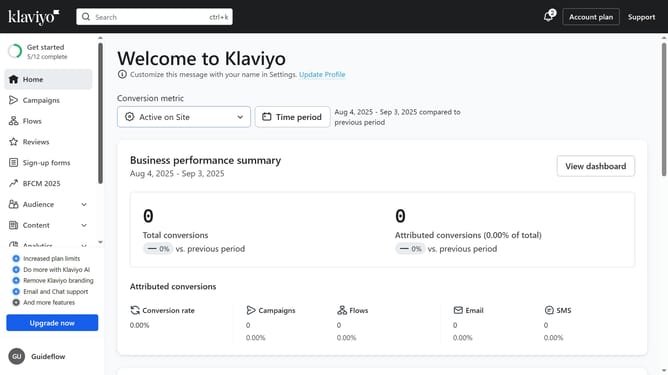
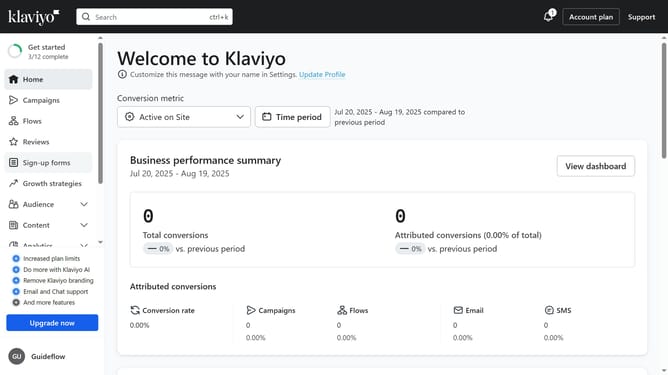
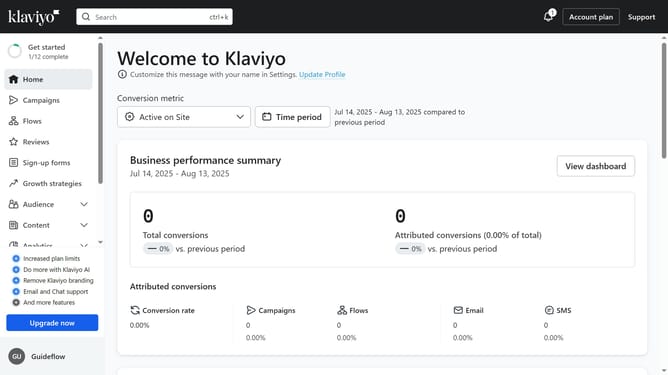
- First click on the "Campaigns" option in the left sidebar menu
- Next click on the "Audience" filter button in the top toolbar
- Then select the list you want to filter by, from the dropdown menu
- The campaigns list will now display only campaigns associated with the selected list
Why should you filter campaigns by list in Klaviyo
Klaviyo is a powerful email marketing platform designed to help businesses grow through personalized communication.
Using the feature to filter campaigns by list in Klaviyo enables you to precisely target your audience. By filtering, you ensure that your message reaches the most relevant subscribers, enhancing engagement and effectiveness.
This feature not only streamlines your marketing efforts but also saves time and resources, allowing you to focus on creating impactful content that resonates with your intended audience.
Last update