How to customize your sign-up form’s success message in Klaviyo
Here is how to customize your sign-up form’s success message in klaviyo
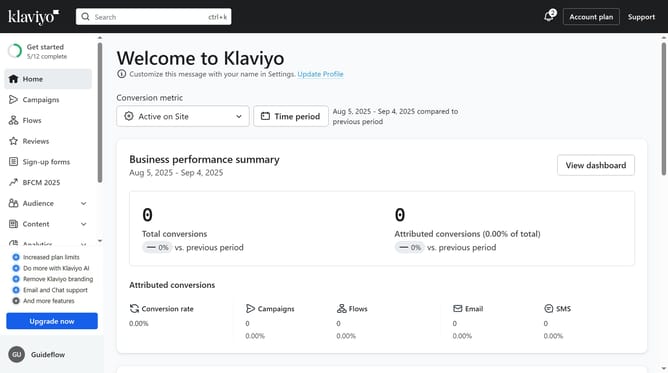
- First click on "Sign-up forms" in the left sidebar menu
- Locate the form you want to edit from the list
- Next click on the three dots menu button next to the form
- Select "Edit" option from the dropdown menu
- Then click on "Success" tab in the form editor
- In the Styles section, customize the design and style of the success message as needed (Background, color, etc)
- You can also customize the content of the success message shown to subscribers if needed
- Finally click on "Publish changes" button in the top-right corner to apply your changes
Why should you customize your sign-up form’s success message in Klaviyo
Klaviyo is a powerful platform designed to elevate your marketing strategies through personalized email campaigns.
Customizing your sign-up form’s success message in Klaviyo allows you to create a more engaging user experience.
Crafting a personalized message makes subscribers feel appreciated and deepens their connection to your brand, increasing the chances they’ll remain engaged and loyal.
This feature not only enhances user interaction but also sends a positive impression, reinforcing your brand’s attention to detail and commitment to exceptional customer service.
Last update