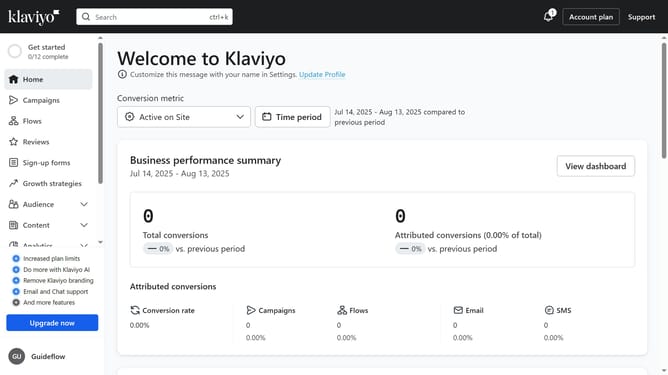
How to adjust your time zone setting in Klaviyo
Here is how to adjust your time zone setting in klaviyo
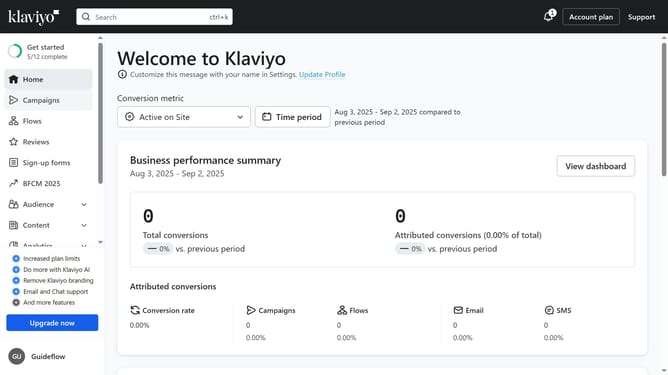
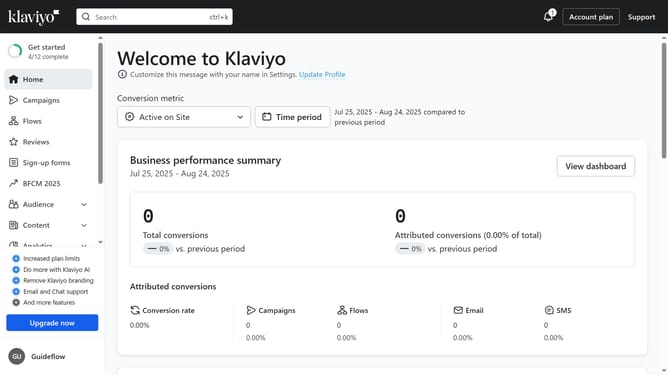
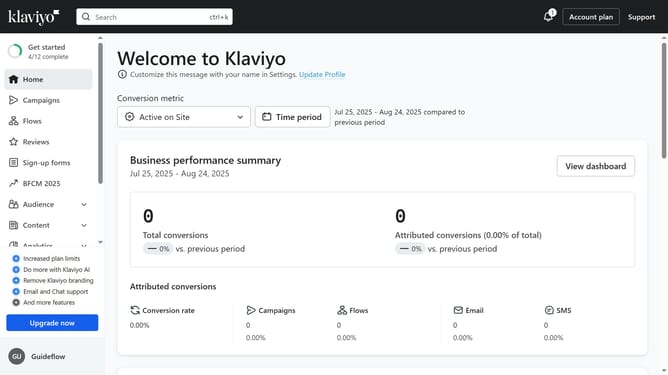
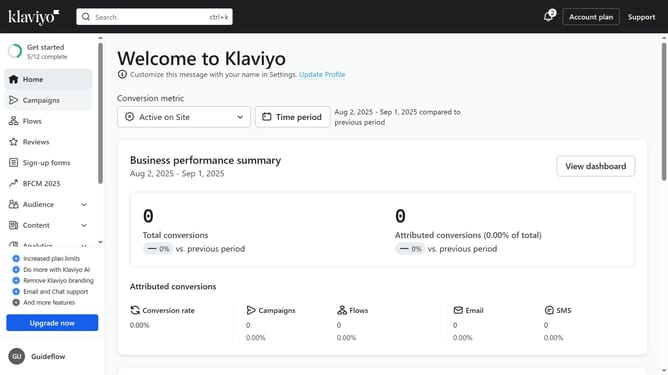
- First click on your organization name in the bottom left corner
- Next click on "Settings" in the dropdown menu
- Click on the "Organization" tab in the left settings menu
- Then scroll down to the "Time zone" section
- Click on the timezone dropdown menu
- Select your preferred time zone from the timezone dropdown list
- Finally, click the "Save" button in the top-right corner to apply your changes
Why should you adjust your time zone setting in Klaviyo
Klaviyo is a powerful marketing automation platform designed to transform your customer interactions.
Adjusting your time zone setting in Klaviyo is a simple yet crucial feature that ensures your marketing campaigns align with the local time zones of your audience, enhancing engagement and delivering messages at the optimal moment.
This setting helps streamline your marketing efforts by scheduling emails and notifications precisely, maximizing their impact and fostering a deeper connection with your audience. Enjoy increased campaign effectiveness as you tailor your strategies to fit the timing of your diverse audience worldwide.
Last update