How to find a list ID in Klaviyo
Here is how to find a list id in klaviyo
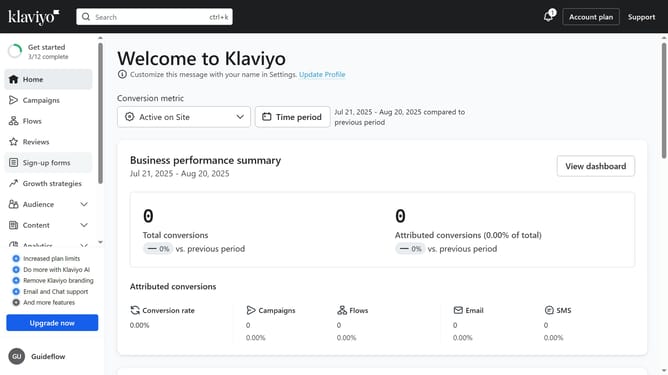
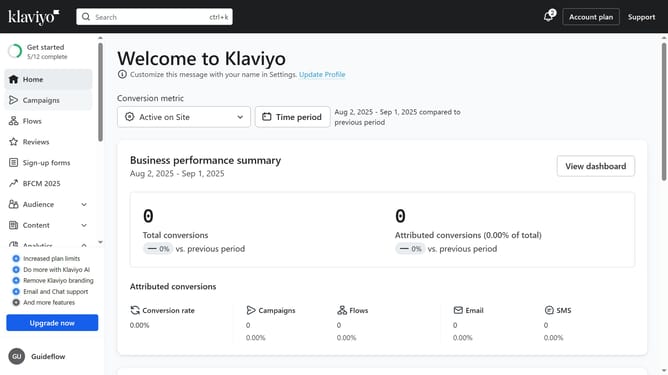
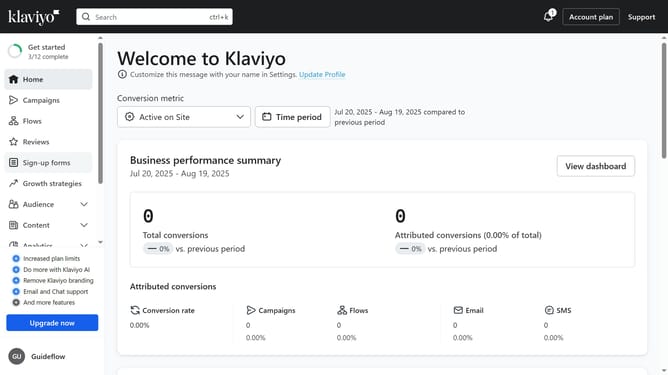
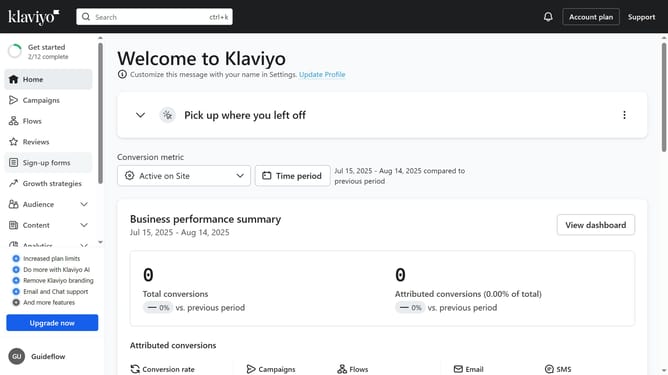
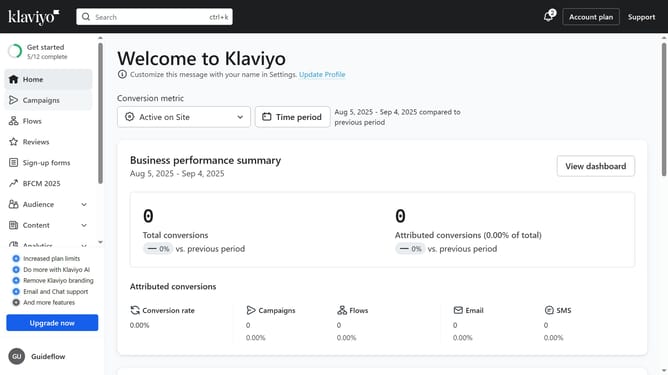
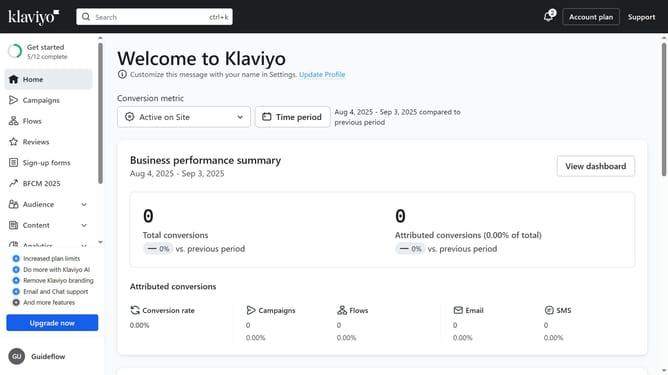
- First click on the "Audience" option in the left sidebar menu
- Next select "Lists & segments" from the expanded Audience menu
- Locate and click on the list whose ID you want to find
- Then click on "Settings" tab
- Finally you will find your list ID in the "List ID & name" section
Why should you find a list ID in Klaviyo
Klaviyo is a powerful tool designed to personalize marketing efforts through effective email campaigns and automation.
Finding a list ID in Klaviyo is a seamless feature that enhances integration with other applications. By accessing this unique identifier, users can effortlessly connect Klaviyo lists to various tools, optimizing their marketing strategies.
This feature significantly boosts marketing effectiveness by ensuring that your emails reach the right audience, improving open rates and conversions.
Last update