How to delete a draft campaign in Klaviyo
Here is how to delete a draft campaign in klaviyo
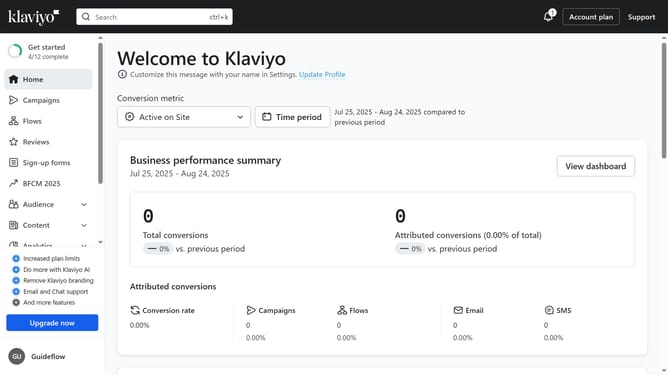
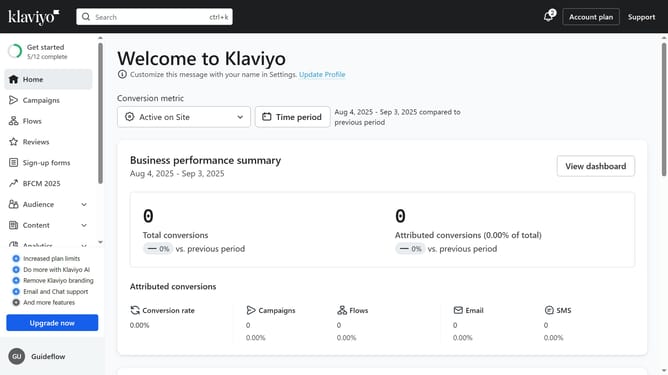
- First click on the "Campaigns" option in the left sidebar menu
- Locate the draft campaign you want to delete from the list
- Next click the options menu (three dots) next to the campaign
- Then select "Delete" from the dropdown menu
- Finally click the "Delete campaign" button in the confirmation dialog
Why should you delete a draft campaign in Klaviyo
Klaviyo is a powerful email marketing platform designed to enhance customer engagement and boost business growth.
The ability to delete a draft campaign in Klaviyo offers users flexibility and control in their marketing strategies. This feature ensures that users can easily manage their campaign lists, maintaining only the communications that align with their current marketing goals.
Cleaning up unwanted drafts not only helps in organization but also in maintaining clarity and focus on reaching the target audience with the most impactful messages.
Last update