How to stop a form from reappearing after submission in Klaviyo
Here is how to stop a form from reappearing after submission in klaviyo
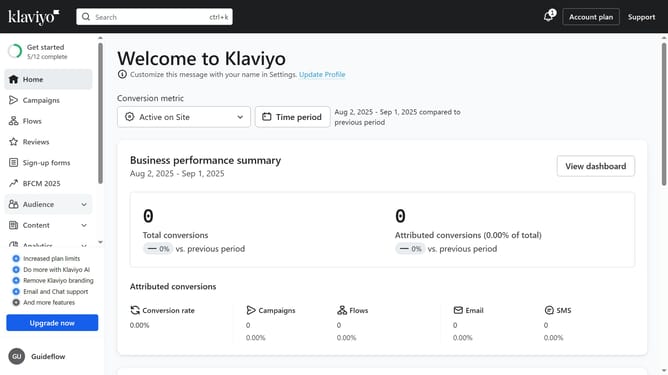
- First click on "Sign-up forms" in the left sidebar menu
- From the list of forms, locate the form you want to edit
- Next click the menu icon (three dots) next to the selected form
- Select "Edit" option from the dropdown menu
- Then click on "Targeting and behavior" option in the left settings panel
- Go to the "Display" tab in the Targeting and behavior settings
- Under the Frequency section, locate "Don't show again if form was submitted or if go to URL button was clicked" option
- Then check the box to prevent the form from reappearing to visitors who have already submitted it or clicked the button
- Finally click "Publish Changes" in the top-right corner to save and apply your settings
Why should you stop a form from reappearing after submission in Klaviyo
Klaviyo is a powerful email marketing platform designed to help businesses build strong customer relationships.
One of its valuable features is the ability to stop a form from reappearing after submission. This feature enhances user experience by preventing redundancy, ensuring that customers aren't overwhelmed with repetitive prompts.
By utilizing this feature, businesses can maintain a smoother interaction flow, which can lead to higher customer satisfaction and potentially increased conversion rates.
In essence, a more efficient customer journey makes engagement more pleasant for all involved.
Last update