How to rename an email template in Klaviyo
Here is how to rename an email template in klaviyo
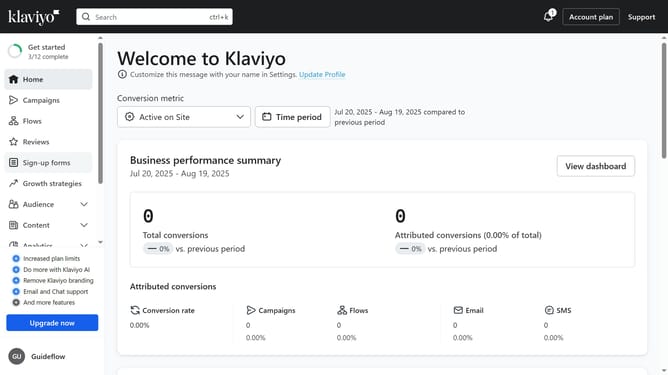
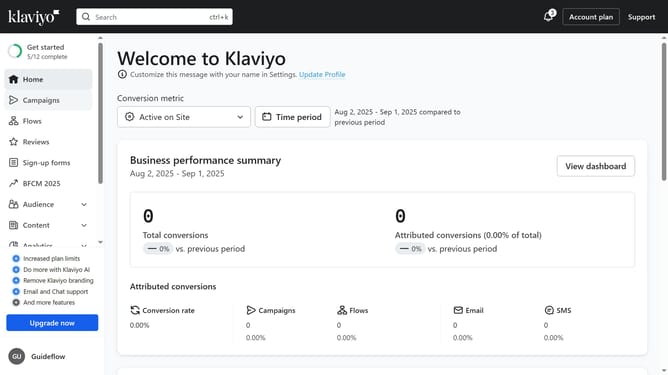
- First click on the "Content" option in the left sidebar menu
- Next select "Templates" from the expanded Content submenu
- Click on the "Email: saved" tab in the Templates section
- Locate the email template you want to rename from the list
- Next click on the menu icon (three dots) next to the template
- Select "Rename" from the dropdown menu
- Then enter the new name in the template name field
- Finally click the "Rename" button to confirm the change
Why should you rename an email template in Klaviyo
Klaviyo is a powerful platform designed to elevate email marketing strategies with customized communication.
Renaming an email template in Klaviyo is a feature that enhances organizational efficiency. This flexibility allows users to tailor the template titles to better align with specific campaigns or objectives, streamlining email management.
Utilizing this feature can lead to more effective collaboration and easy navigation, ensuring that your team can quickly identify and utilize the right templates without confusion.
Last update