How to export a segment in Klaviyo
Here is how to export a segment in klaviyo
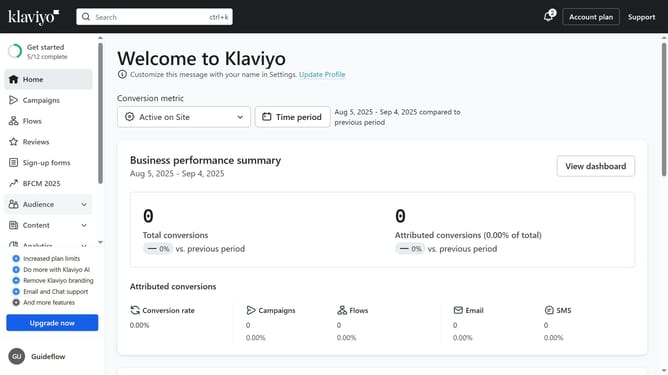
- First click on "Audience" in the left sidebar
- Next click on "Lists & segments" in the expanded Audience menu
- Locate and select the segment you want to export from the list
- In the top right corner, click the "Manage Segment" dropdown
- Select "Export segment to CSV" option from the dropdown menu
- In the Export Review screen, select the profile properties you want to include in the export
- Finally click on the "Start Export" button to begin exporting the segment data
- Your selected segment will now be exported and downloaded as a CSV file on your device
Why should you export a segment in Klaviyo
Klaviyo is a powerful platform designed to elevate your email marketing efforts using data-driven strategies.
The ability to export a segment in Klaviyo allows you to seamlessly transfer targeted customer data to other platforms. This feature is invaluable when synchronizing information across marketing tools, ensuring consistent messaging and engagement.
Exporting segments enhances strategic planning by providing clear insights into specific customer groups. This promotes effective personalization, tailoring your marketing efforts to improve customer relationships and drive conversions.
Last update