How to change the publish status of a sign-up form in Klaviyo
Here is how to change the publish status of a sign-up form in klaviyo
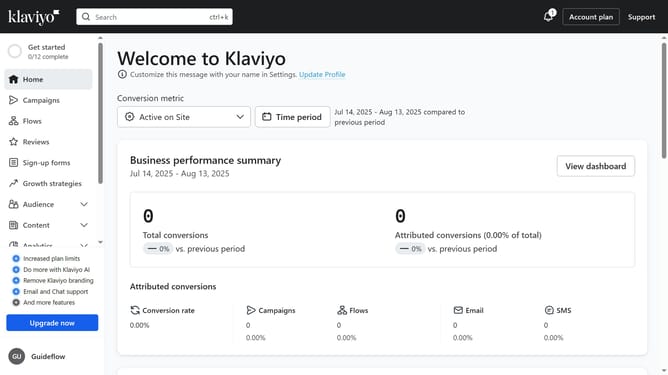
- First click on "Sign-up forms" in the left sidebar menu
- Find the form whose status you want to change in the forms list
- Next click on the menu button (three dots) next to it
- In the dropdown menu, click on "Edit" option
- Then click on the status dropdown in the top right corner
- Finally select either "Live" to publish the form or "Draft" to unpublish it in the dropdown menu
- The new status will be applied instantly
Why should you change the publish status of a sign-up form in Klaviyo
Klaviyo is a powerful email marketing platform that helps businesses engage and grow their audience.
Changing the publish status of a sign-up form in Klaviyo is a simple yet vital feature that provides flexibility and control over your marketing strategies. This feature allows you to quickly activate or deactivate forms based on your campaign needs, ensuring optimal audience interaction.
By efficiently managing your sign-up forms' status, you can keep your customer engagement dynamic and aligned with your marketing goals. This adaptability leads to better performance and enhanced user experience.
Last update