How to delete a sign-up form in Klaviyo
Here is how to delete a sign-up form in klaviyo
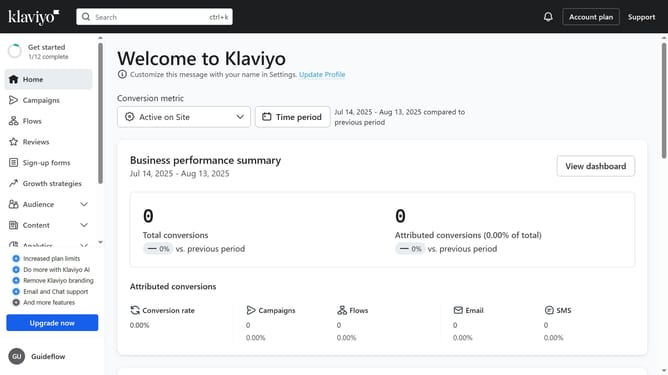
- First click on "Sign-up forms" in the left sidebar menu
- Locate the form you want to delete in the forms list
- Next click on the menu icon (three dots) next to the form
- Then select the "Delete" option from the dropdown menu
- Finally click the "Delete Form" button in the confirmation dialog box
Why should you delete a sign-up form in Klaviyo
Klaviyo is a robust marketing platform designed to escalate customer engagement through smart email campaigns.
Deleting a sign-up form in Klaviyo is a straightforward feature that helps maintain your form inventory organized.
Removing outdated or underperforming forms can streamline your user experience and help you focus on the most effective strategies. Plus, it ensures your audience data stays clean and relevant.
This feature ultimately aids in keeping your marketing efforts lean and efficient, improving overall brand communication.
Last update