How to permanently delete a campaign in Klaviyo
Here is how to permanently delete a campaign in klaviyo
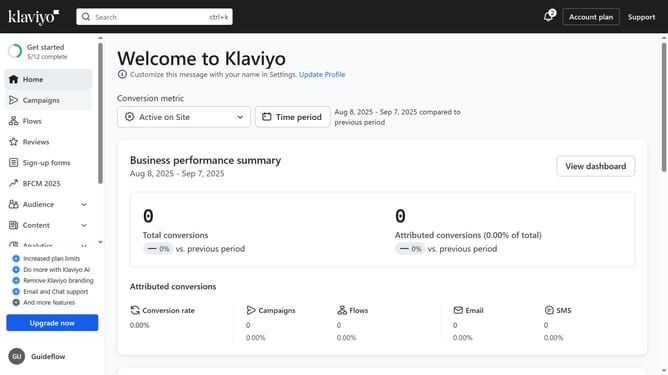
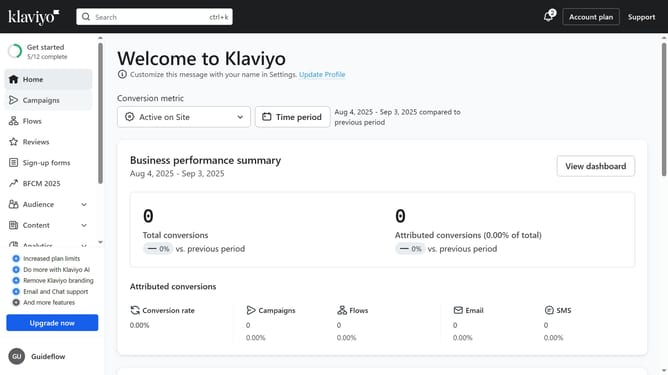
- First click on the "Campaigns" option in the left sidebar menu
- Locate the draft campaign you want to delete from the list
- Next click the options menu (three dots) next to the campaign
- Then select "Delete" from the dropdown menu
- Finally click the "Delete campaign" button in the confirmation dialog to permanently delete the campaign
Why should you permanently delete a campaign in Klaviyo
Klaviyo is a powerful platform designed to optimize email marketing for businesses of all sizes.
Permanently deleting a campaign in Klaviyo offers remarkable organizational benefits, ensuring your marketing dashboard remains uncluttered and focused.
This feature is vital for maintaining a streamlined workflow, allowing users to manage their campaigns efficiently and avoid confusion by eliminating outdated or irrelevant campaigns.
Leveraging this feature helps you focus on active and upcoming projects, ultimately enhancing productivity and strategic planning.
Last update