How to view push campaigns in Klaviyo
Here is how to view push campaigns in klaviyo
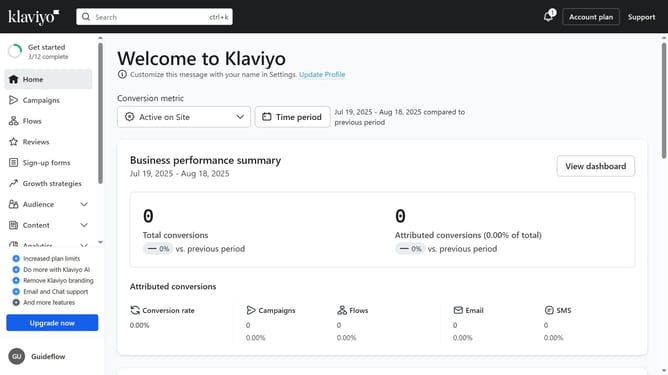
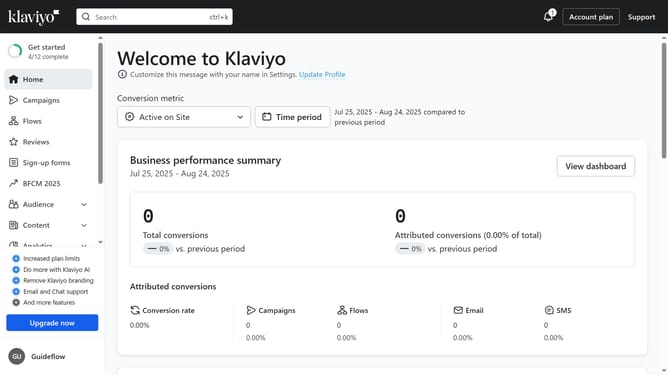
- First click on "Campaigns" in the left sidebar menu
- Next click on the "Channels" dropdown filter in the top filter bar
- Then select the "Push" option from the dropdown menu
- The campaigns list will now show only Push campaigns, or "No data available" if none exist
Why should you view push campaigns in Klaviyo
Klaviyo is an advanced platform designed to enhance customer engagement through personalized marketing.
The ability to view push campaigns in Klaviyo allows marketers to effortlessly monitor and assess the effectiveness of their strategies. This feature provides clear insights into customer interactions, helping businesses refine their outreach for better results.
By utilizing this capability, companies can tailor their campaigns in real-time, maximizing impact and bolstering customer loyalty through strategic communications.
Last update