How to change a sign-up form’s status to Live in Klaviyo
Here is how to change a sign-up form’s status to live in klaviyo
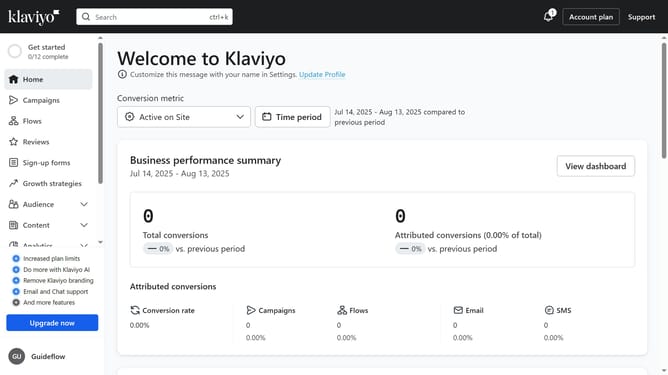
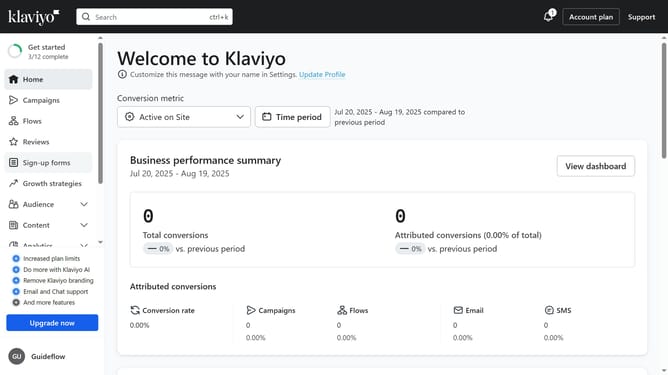
- First click on "Sign-up forms" in the left sidebar menu
- Locate the form you want to change the status to live in the forms list
- Next click the menu icon (three dots) next to the form
- Select "Edit" option from the dropdown menu
- Then click on the "Publish" button in the form editor
- Alternatively, click on the status dropdown
- Finally click on the "LIVE" option in the status dropdown menu
- The form is now set to Live and will be visible on your website
Why should you change a sign-up form’s status to Live in Klaviyo
Klaviyo is a powerful platform designed to elevate customer engagement through targeted email and SMS marketing.
Activating a sign-up form in Klaviyo is essential for enhancing user interaction and capturing valuable customer data. By setting a sign-up form to Live, businesses can seamlessly start building their subscriber lists, turning casual visitors into loyal customers.
This feature offers a streamlined way to connect with your audience, foster relationships, and ultimately drive business growth by utilizing data-driven marketing strategies.
Last update