How to create a private API key in Klaviyo
Here is how to create a private api key in klaviyo
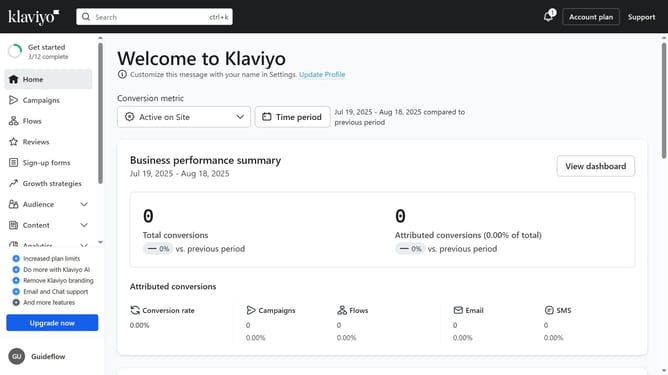
- First, click on your account name in the lower-left corner
- Next click on "Settings" option in the dropdown menu
- Click on the "Account" tab in the settings navigation menu
- Select "API keys" from the left settings menu
- Then on the API Keys page, you will see your existing keys listed (Public API Key and Private API Keys)
- Scroll down to the "Private API Keys" and click the "Create Private API Key" button
- Next enter a name for your new key in the Private API Key Name field
- Choose the scope you want to give the API key (Read-only, Full or Custom)
- Finally click "Create" button to generate the API key
- The private API key has been successfully created
- Now, when you share the private API key, the third party will only have access to the information you defined in the scope
Why should you create a private API key in Klaviyo
Klaviyo is a robust marketing automation platform designed to enhance customer engagement and business growth through personalized communication.
Creating a private API key in Klaviyo allows you to securely integrate your systems with the platform's powerful tools. This feature is essential for maintaining data integrity while automating workflows and retrieving customer insights effortlessly.
The private API key provides businesses with a seamless connection, ensuring that sensitive information is protected while you deliver targeted marketing campaigns tailored to your audience.
Last update