How to view the list of your existing tags in Klaviyo
Here is how to view the list of your existing tags in klaviyo
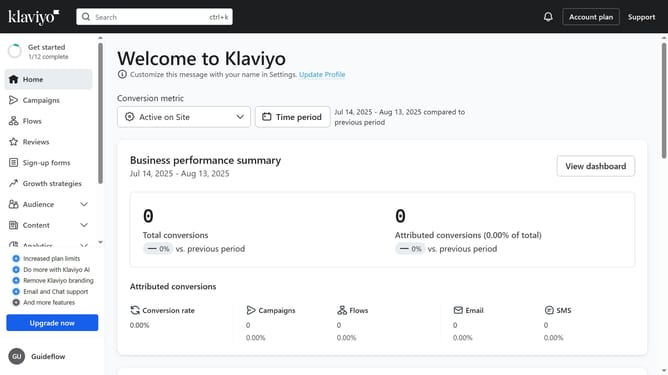
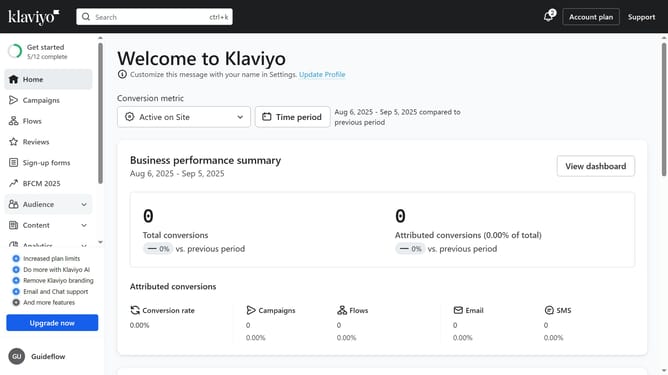
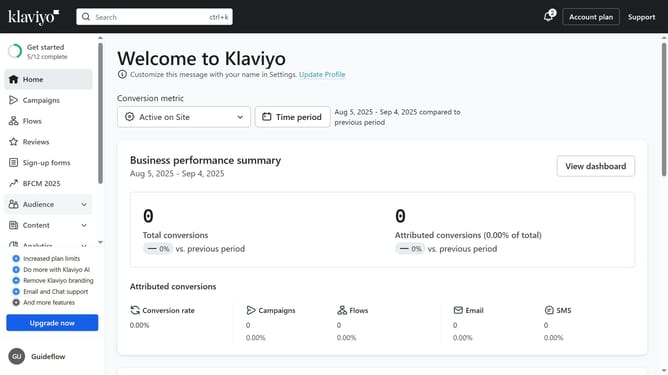
- First click on your organization name in the bottom left corner
- Next click on the "Settings" option in the dropdown menu
- Then click on "Tags" in the left settings menu
- You will now see all your existing tags and their groups. If no groups exist, all of your tags will be listed together under Ungrouped Tags
Why should you view the list of your existing tags in Klaviyo
Klaviyo is a powerful tool designed to elevate your email marketing strategies and engage your audience effortlessly.
Viewing the list of your existing tags in Klaviyo is a straightforward process that enables you to keep track of your segmented audiences. This feature gives you quick insights into how your subscribers interact with your brand, making it easier to tailor your campaigns effectively.
The ability to access your tag list with ease helps streamline your organizational efforts, ultimately enhancing your marketing efficiency and personalization strategies.
Last update