How to see campaign history for a segment in Klaviyo
Here is how to see campaign history for a segment in klaviyo
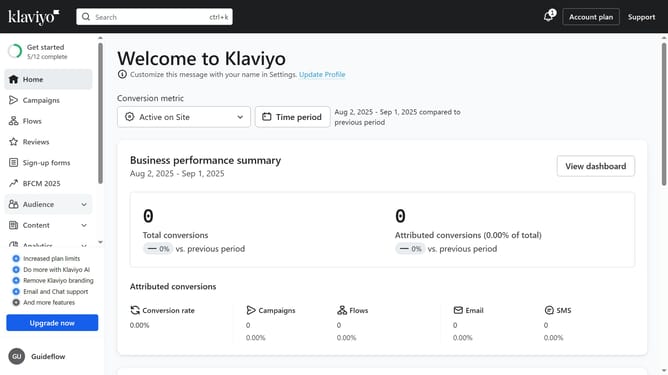
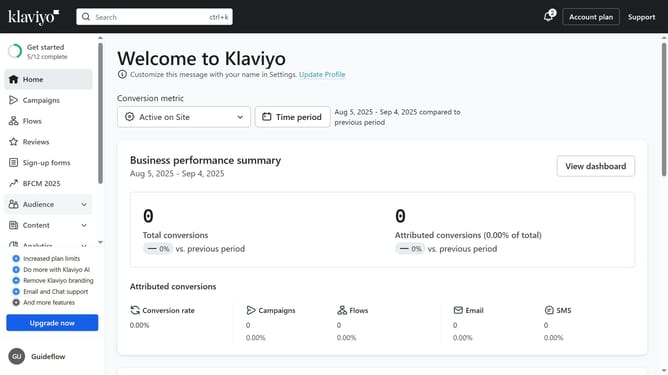
- First click on the "Audience" option in the left sidebar menu
- Next click on "Lists & segments" in the expanded Audience menu
- Locate the segment you want to check
- Click on the menu icon (three dots) next to the segment
- Then click on "View campaigns" option in the dropdown menu
- You will now see a list of all campaigns linked to this segment
Why should you see campaign history for a segment in Klaviyo
Klaviyo is a powerful email marketing platform designed to grow your business through effective customer engagement.
One insightful feature is the ability to view campaign history for a segment, offering a comprehensive glimpse into past communications.
By accessing this history, businesses can better understand the impact of their outreach and refine strategies based on real data.
This allows for more targeted marketing efforts, enhancing customer relationships and boosting overall campaign success.
Last update