How to set up an email campaign in Klaviyo
Here is how to set up an email campaign in klaviyo
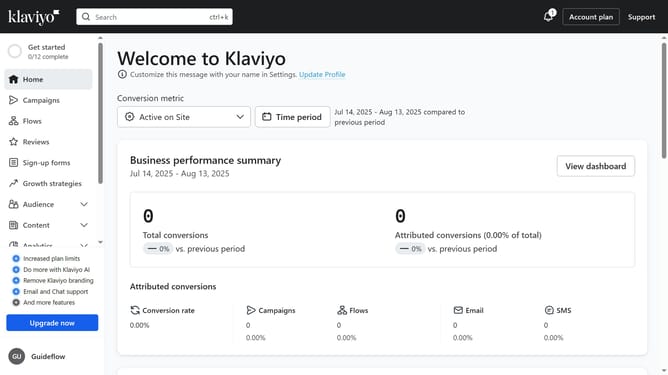
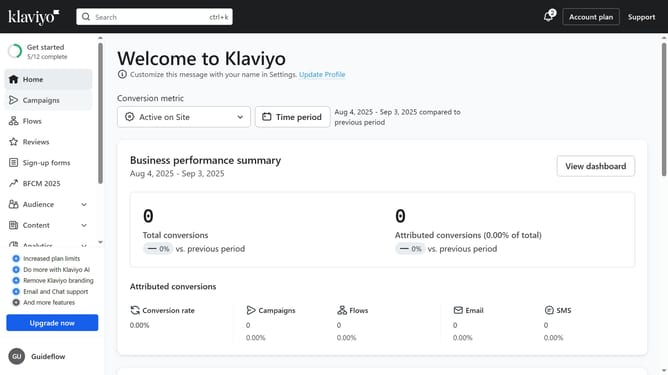
- First click on "Campaigns" in the left sidebar
- Next click on "Create campaign" button
- Enter a name for your campaign in the Campaign Name field
- Then click on "Email" option to select email campaign type
- Click "Continue" button at the bottom to proceed
- The campaign has been successfully created, and you can now begin setting it up
- Configure the audience you want to send to and define the sending details
- Click on the "Next" button to proceed
- Choose how you’d like to create your campaign content by clicking the action button
- From the dropdown, you can select "Switch to text-only editor" or "Switch to HTML editor"
- Alternatively, you can use one of your previously created templates or browse the library for drag-and-drop template options
- Select a template and click "Use Template"
- Then edit your campaign content as needed
- Next add your subject line, preview text, sender name, and sender email address
- When finished, click the "Next" button in the top-right corner
- On the review screen, fix any issues shown in the sidebar, then click "Schedule or Send" at the top of the page
- To send your campaign immediately, click the "Send Now" button
- To schedule for later, click on the "Schedule" option
- Then choose a date and time when you want the campaign to be sent
- Finally, click the "Schedule Campaign" button to complete the setup
- Your campaign has been successfully set up and will be sent immediately or at the scheduled time you selected
Why should you set up an email campaign in Klaviyo
Klaviyo is a powerful tool designed to enhance email marketing strategies for businesses of all sizes.
Setting up an email campaign in Klaviyo is seamless and intuitive, allowing marketers to tailor their messages with precision.
Using this feature, you can effectively engage with your audience by sending personalized emails that resonate, which enhances customer relationships and boosts retention.
Its robust analytics further empower you to refine future campaigns, ensuring your marketing efforts are always impactful and aligned with your business goals.
Last update