How to require multiple conditions before displaying a sign-up form in Klaviyo
Here is how to require multiple conditions before displaying a sign-up form in klaviyo
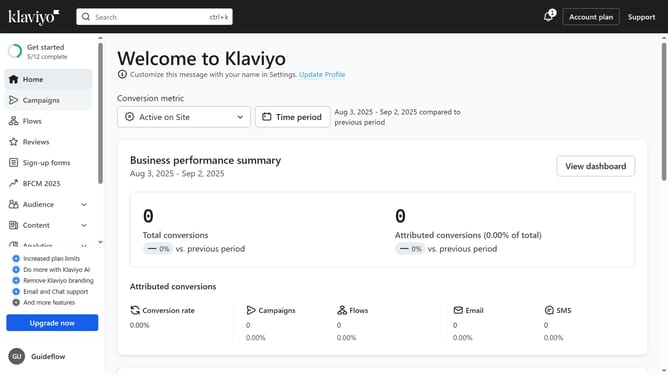
- First click on "Sign-up forms" in the left sidebar menu
- From the list of forms, locate the form you want to edit
- Next click on the "More options" menu (three dots) next to the form
- Select "Edit" from the dropdown menu
- Then click on "Targeting and behavior" option in the left settings panel
- Click on the "Display" tab in the targeting and behavior settings
- Next click on the "Show form" dropdown menu
- Select "Based on rules" from the dropdown options
- Next, set up your desired conditions or rules for the form to appear
- Once done, locate the "Only display if all selected conditions are met" option
- Then, toggle it ON to make sure all the rules must be met for the form to show
- Finally click the "Publish changes" button in the top right corner to apply the settings
Why should you require multiple conditions before displaying a sign-up form in Klaviyo
Klaviyo is a powerful marketing platform designed to enhance customer engagement through personalized email and SMS communication.
Requiring multiple conditions before displaying a sign-up form in Klaviyo ensures a more targeted and refined user experience. By setting specific criteria, businesses can engage with potential subscribers who truly align with their brand values and interests.
This feature enhances the quality of your marketing list, not just its size. By doing so, it optimizes conversion rates and fosters stronger, more relevant customer relationships.
Last update