How to restore a campaign from the archive in Klaviyo
Here is how to restore a campaign from the archive in klaviyo
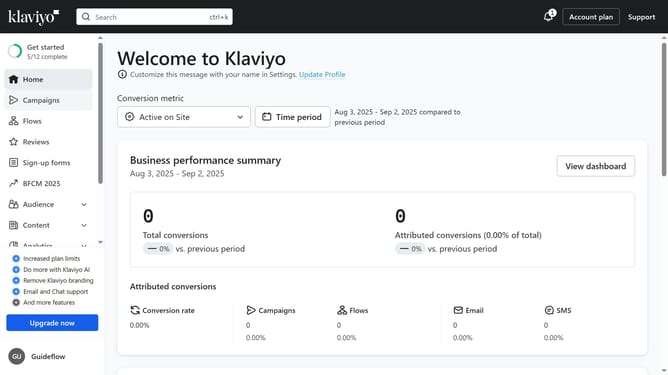
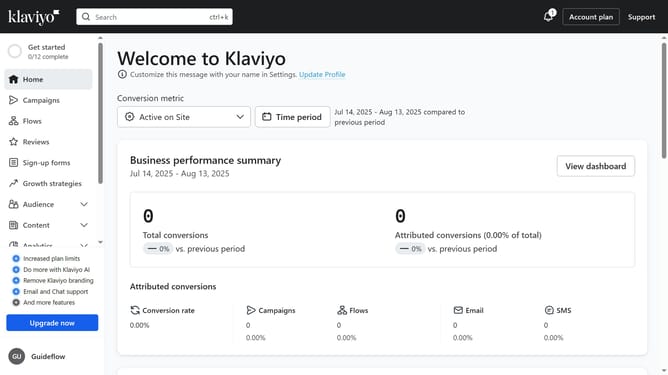
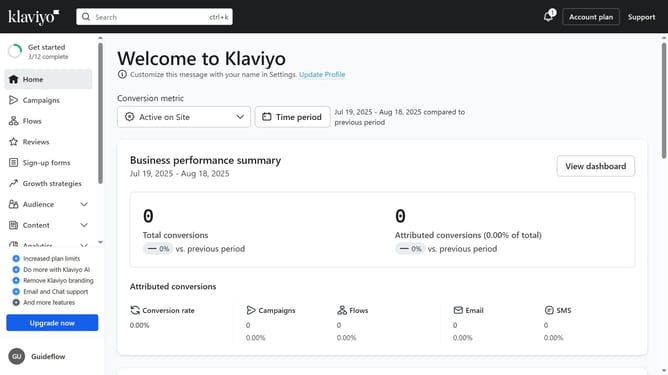
- First click on "Campaigns" in the left sidebar menu
- Next click on the "Archived" filter button in the top filter bar
- Locate the campaign you want to restore from the list of archived campaigns
- Then click on the menu button (three dots) next to it
- Finally click on the "Unarchive" option in the dropdown menu
Why should you restore a campaign from the archive in Klaviyo
Klaviyo stands out as a robust email marketing tool designed to elevate customer engagement.
One of its valuable features is the ability to restore campaigns from the archive, ensuring marketers do not lose valuable content or insights. This functionality helps save time and effort by allowing users to effortlessly bring back old campaigns into play when needed.
By restoring archived campaigns, businesses can revisit and leverage successful strategies or materials without starting from scratch, thus enhancing productivity and efficiency in their marketing endeavors.
Last update