How to make your sign-up form appear after a delay in Klaviyo
Here is how to make your sign-up form appear after a delay in klaviyo
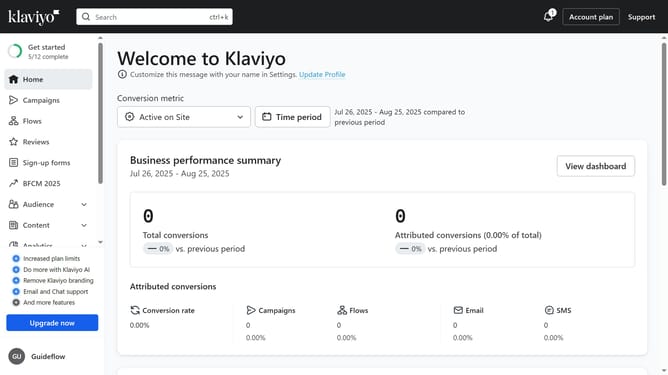
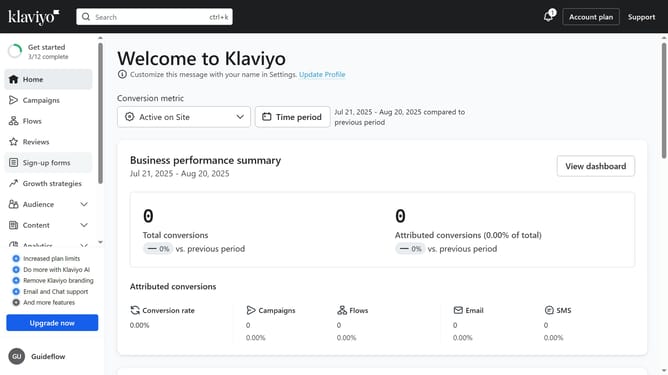
- First click on the "Sign-up forms" in the left sidebar menu
- From the list of forms, locate the form you want to update
- Next click the menu icon (three dots) next to the selected form
- Select "Edit" option from the dropdown menu
- Then click on "Targeting and behavior" option in the left settings panel
- Click on the "Display" tab in the targeting and behavior settings
- Next click on the "Show form" dropdown field under Timing section
- Select the "Based on rules" option from the dropdown list
- Next, enable the "After time delay’" option to display the form to site visitors after a chosen time
- Then set the desired time delay (in seconds) in the seconds field for the form to appear
- Finally click "Publish changes" button in the top-right corner to apply the setting
Why should you make your sign-up form appear after a delay in Klaviyo
Klaviyo is a powerful email marketing platform that helps businesses deliver personalized experiences to their audience.
One useful feature in Klaviyo is the ability to delay the appearance of your sign-up form. By doing so, you ensure that visitors have time to engage with your content before being prompted to subscribe.
This strategy can lead to higher conversion rates as it creates a less intrusive user experience, allowing you to build meaningful connections with potential customers. Delayed sign-up forms can significantly enhance your engagement strategy, making them an essential tool for any savvy marketer.
Last update