How to archive multiple campaigns at once in Klaviyo
Here is how to archive multiple campaigns at once in klaviyo
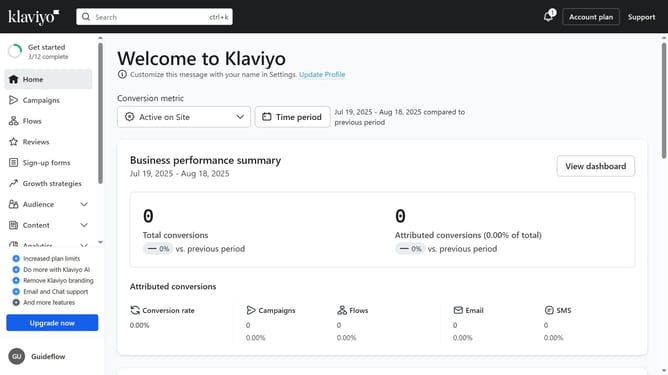
- First click on "Campaigns" in the left sidebar menu
- From the campaigns list, check the boxes next to the campaigns you want to archive
- Then click the "Archive" button in the bottom action bar to archive the selected campaigns
- The selected campaigns have been successfully moved to the archive
Why should you archive multiple campaigns at once in Klaviyo
Klaviyo is a powerful platform designed to help businesses master their email marketing and automation strategies.
One of Klaviyo's standout features is the ability to archive multiple campaigns at once, streamlining your workflow significantly. This feature allows users to efficiently manage their email campaigns, making it easier to focus on the ones that matter most.
By quickly archiving outdated campaigns, you maintain a clutter-free workspace, enhancing productivity and ensuring your marketing efforts remain organized. This fosters a sense of control and clarity in your marketing endeavors.
Last update