How to clone a sign-up form in Klaviyo
Here is how to clone a sign-up form in klaviyo
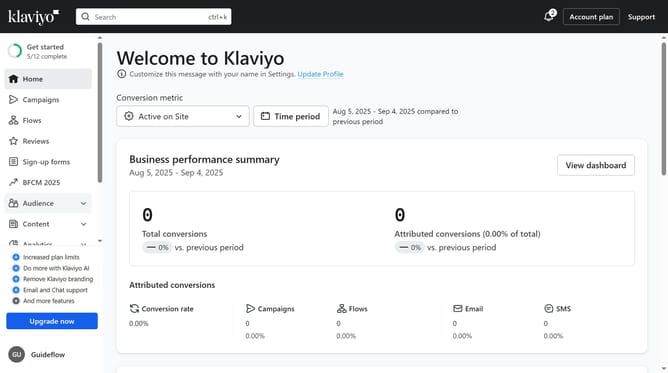
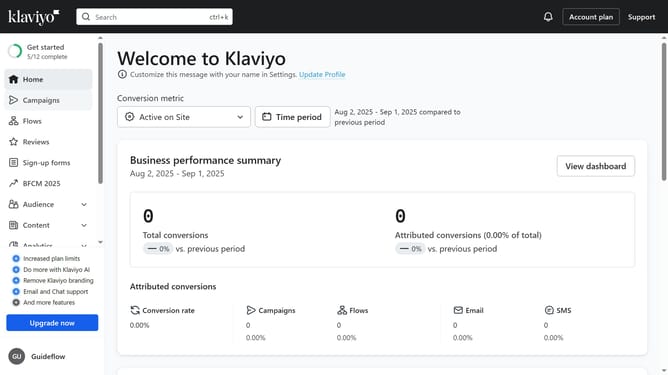
- First click on the "Sign-up forms" in the left sidebar menu
- On the forms list page, find the form you want to duplicate
- Next click the options menu (three dots) next to it
- From the dropdown menu, select the "Clone" option
- In the Clone Form dialog, enter a name for the duplicated form
- Finally click the "Continue" button to confirm and create it
Why should you clone a sign-up form in Klaviyo
Klaviyo is a powerful email marketing platform designed to help businesses efficiently communicate with their audience.
Cloning a sign-up form in Klaviyo allows marketers to easily replicate successful forms, streamlining the process of launching new campaigns.
This feature enables consistency in design and messaging, ensuring a cohesive customer experience across various channels.
By utilizing this feature, businesses save valuable time, focus on optimizing form performance, and enhance customer engagement seamlessly.
Last update