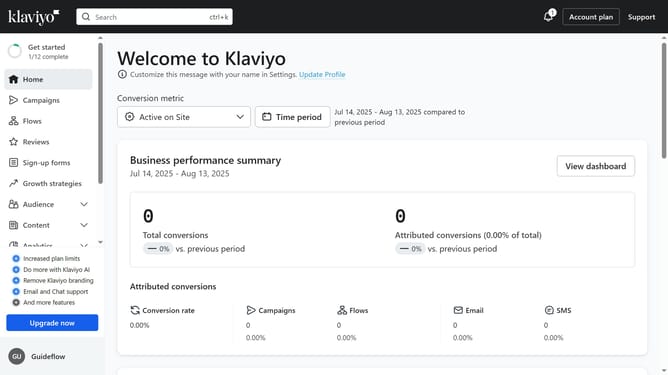
How to remove current members from email sending in Klaviyo
Here is how to remove current members from email sending in klaviyo
- First click on the "Audience" item in the left sidebar
- Next click on "Lists & segments" option in the Audience submenu
- Find the segment you want to suppress members from
- Then click on the menu icon (three dots) next to the segment
- Next click on "Suppress current members" option in the dropdown menu
- Finally click on "Bulk suppress" button in the confirmation dialog
- The current members of this segment are now being suppressed and will no longer receive future emails once the process is complete
Why should you remove current members from email sending in Klaviyo
Klaviyo is a powerful platform designed to elevate your email marketing strategy through targeted customer engagement.
One of its standout features is the ability to easily remove current members from email sending lists, ensuring your campaigns reach the right audience.
This feature enhances customer experience by preventing unnecessary emails, reducing bounce rates, and increasing overall engagement and effectiveness of your campaigns.
By streamlining your communication, you maximize the impact of your marketing efforts and foster a more authentic connection with your audience.
Last update