How to control when a closed form appears again in Klaviyo
Here is how to control when a closed form appears again in klaviyo
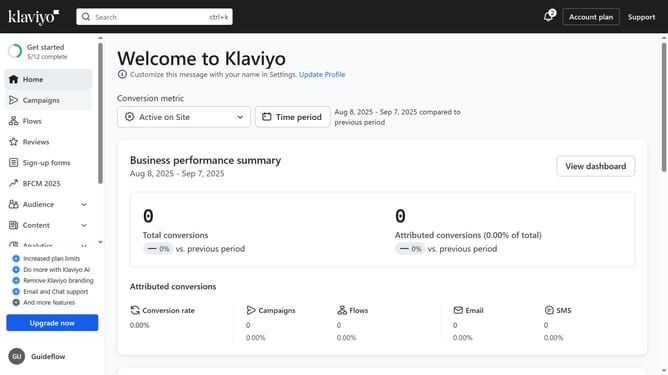
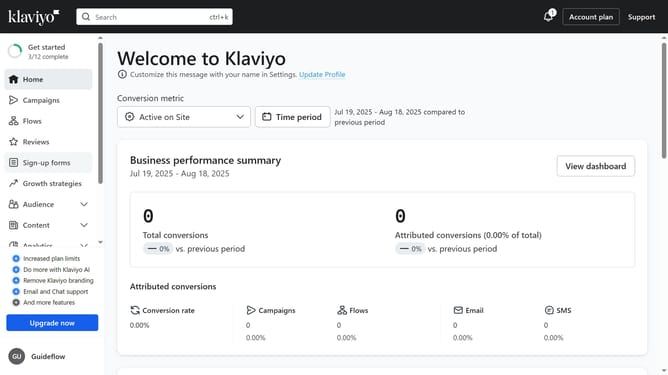
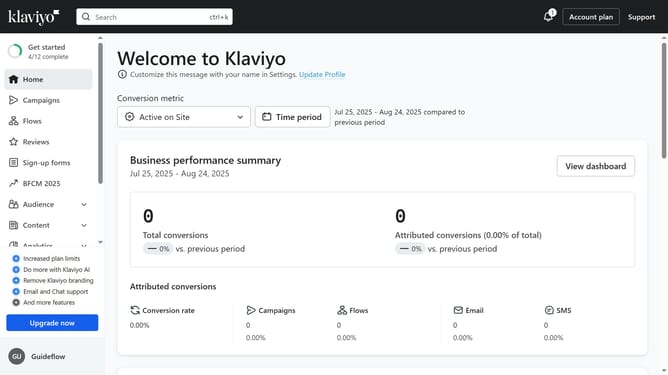
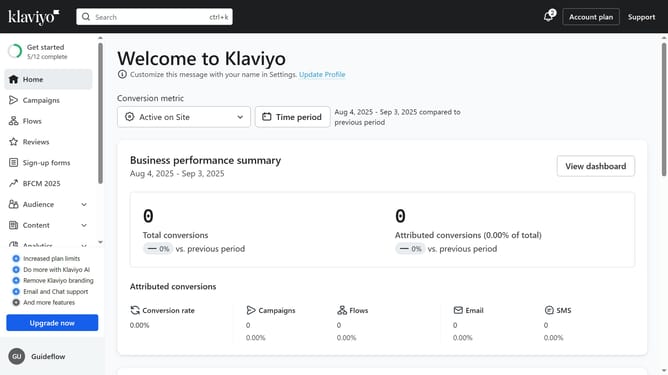
- First click on "Sign-up forms" in the left sidebar menu
- From the list of forms, locate the form you want to edit
- Next click on the action menu button (three dots) next to the form
- Select "Edit" option from the dropdown menu
- Then click on "Targeting and behavior" option in the left settings panel
- Click on "Display" tab in the Targeting and behavior settings
- Under "Frequency" section, locate the "If visitor closes form, show again after" option
- Then enter the number of days after which the form should reappear if a visitor closes it without submitting
- Finally, click the "Publish changes" button in the top-right corner to apply the setting
Why should you control when a closed form appears again in Klaviyo
Klaviyo is a leading email and SMS marketing automation platform designed to help businesses grow through personalized communications.
A standout feature is the ability to control when a closed form reappears, enhancing user experience and increasing engagement. This feature allows businesses to strategically determine the reappearance timing of form pop-ups, ensuring visitors are not overwhelmed, which can encourage more opt-ins and conversions.
Using this feature prevents disruption in user interaction while maintaining communication effectiveness. It strikes a balance between engagement and user convenience, crucial for nurturing customer relationships.
Last update