How to replace a background image in a sign-up form in Klaviyo
Here is how to replace a background image in a sign-up form in klaviyo
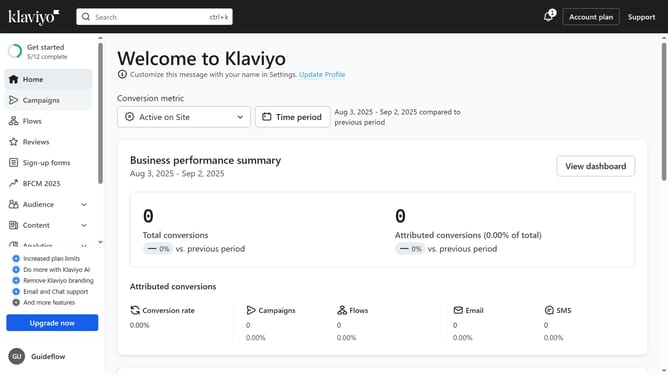
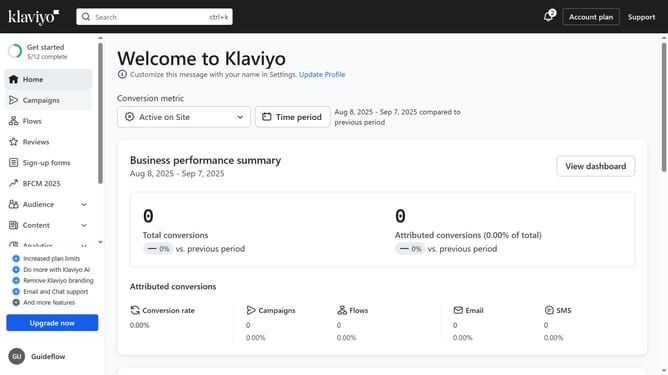
- First click on "Sign-up forms" in the left sidebar menu
- Find the form where you want to edit in the forms list
- Next click on the three dots menu button next to the form
- Select "Edit" option from the dropdown menu
- Head to the Style section and scroll to the "Form Background" settings
- Then click on the "Replace" option under the current background image
- Choose a new image from your device or select one from your library
- In your library, locate the image you want to use as the new background and click "Select"
- You have successfully replaced the background image for your sign-up form. Adjust the image’s settings as needed
- FInally click "Publish changes" button in the top-right corner to save the changes
Why should you replace a background image in a sign-up form in Klaviyo
Klaviyo is a powerful marketing platform designed to help businesses enhance their consumer engagement through effective email and SMS campaigns.
Changing the background image in a Klaviyo sign-up form can refresh its appearance, aligning it better with your brand's visual identity.
This feature not only enhances visual appeal but also creates a more personalized user experience, potentially increasing conversion rates.
By crafting sign-up forms that truly resonate with your brand, you can offer a seamless and aesthetically pleasing journey for your visitors.
Last update