How to explore the campaigns library in Klaviyo
Here is how to explore the campaigns library in klaviyo
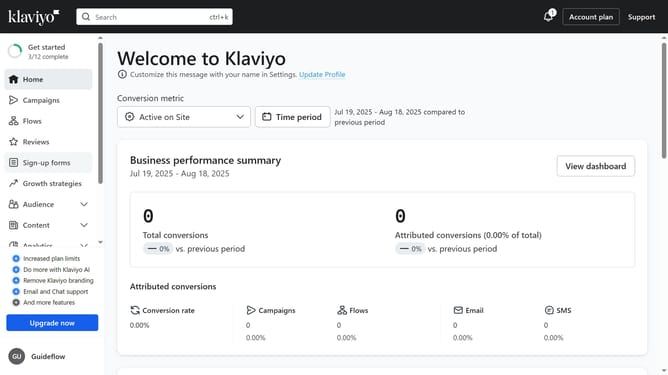
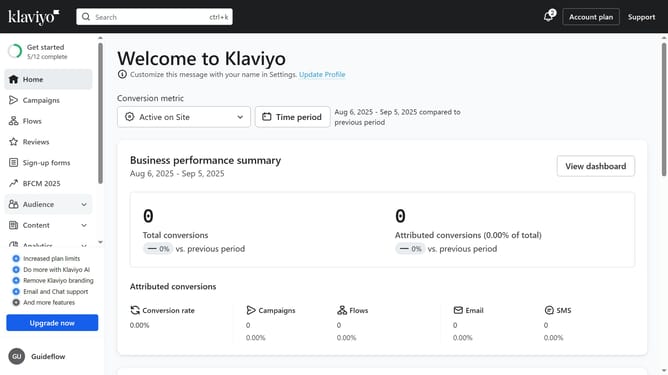
- First click on "Campaigns" in the left sidebar menu
- Next click on "View library" button in the top navigation bar
- Here, you can browse all the available pre-built campaign templates in the library
- Use the "Channel" dropdown to filter between email and SMS campaigns
- To find a specific type of campaign, use the search bar
- Alternatively, click "Campaign Goal" dropdown to filter based on goals
- Then once you find a campaign template you like, click on it to review the details
- On the left, you’ll see a description of the campaign and its related tags. Under "Audience", you’ll find the definition of the segment the campaign will be sent to
- Finally click on "Create & customize" button in the top right corner to continue to the campaign setup wizard
Why should you explore the campaigns library in Klaviyo
Klaviyo is a powerful platform designed to maximize customer engagement through targeted email and SMS marketing.
Exploring the campaigns library in Klaviyo opens up a world of creative alternatives for your marketing strategies. It allows you to view and analyze a variety of pre-built templates and successful campaign models.
This feature not only inspires innovation but also ensures efficiency in campaign creation, ultimately leading to enhanced communication with your audience and optimized marketing efforts.
Last update