How to display your sign-up form immediately when a page loads in Klaviyo
Here is how to display your sign-up form immediately when a page loads in klaviyo
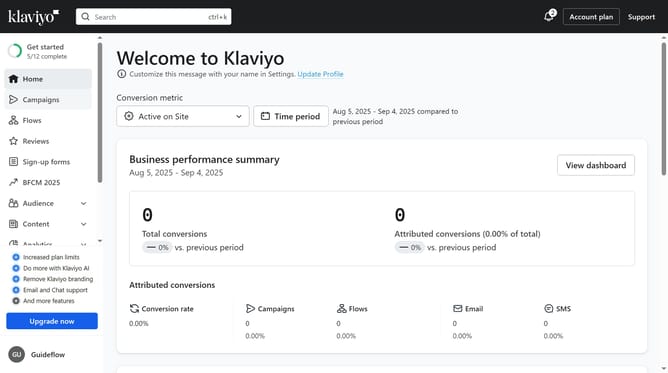
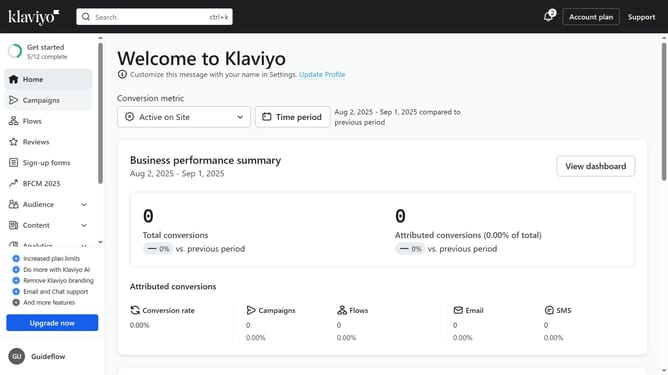
- First click on "Sign-up forms" in the left sidebar menu
- From the list of forms, locate the form you want to update
- Next click on the menu icon (three dots) next to the selected form
- Select "Edit" option from the dropdown menu
- Then click on "Targeting and behavior" option in the left settings panel
- Click on "Display" tab in the targeting settings
- Click on the "Show form" dropdown menu under Timing section
- Then select "Immediately" option from the dropdown list
- Finally, click the ‘Publish changes’ button in the top-right corner to apply the changes
- Your form will now appear immediately whenever visitors load the page, ready to capture new sign-ups
Why should you display your sign-up form immediately when a page loads in Klaviyo
Klaviyo is a powerful marketing automation platform tailored for growth-driven businesses.
Displaying your sign-up form immediately when a page loads in Klaviyo ensures that you capture visitor interest right away. This immediate engagement increases the likelihood of converting visitors into subscribers, as they are presented with the form at the peak of their curiosity.
This feature seamlessly integrates with your existing marketing strategy, without interrupting the user experience. By capturing leads instantly, you can build a strong, engaged audience more effectively.
Last update