How to find your archived campaigns in Klaviyo
Here is how to find your archived campaigns in klaviyo
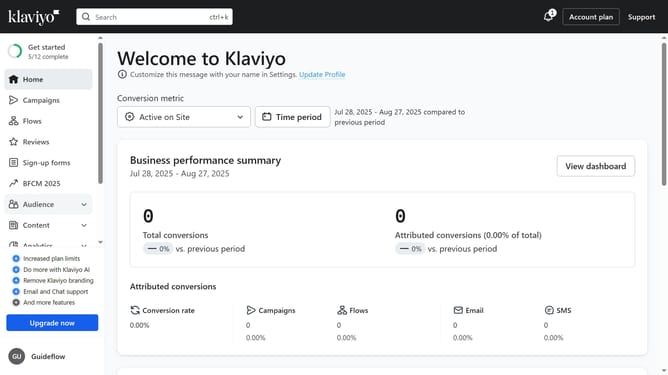
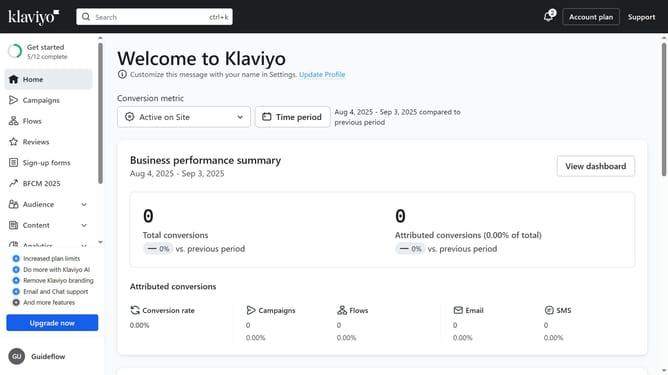
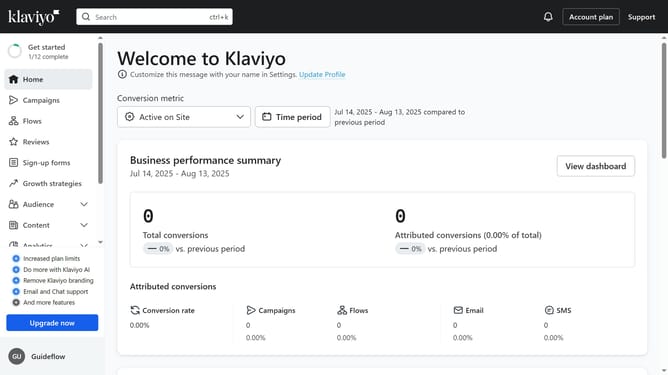
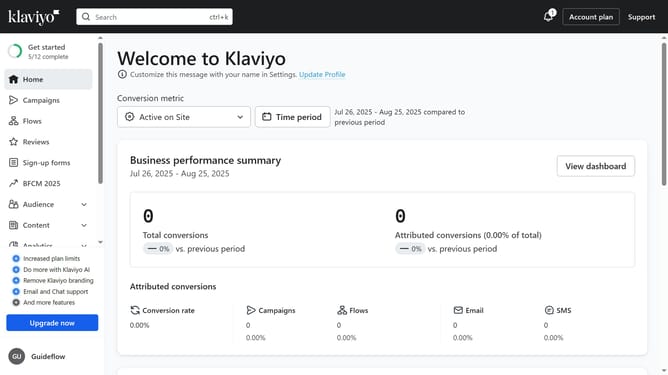
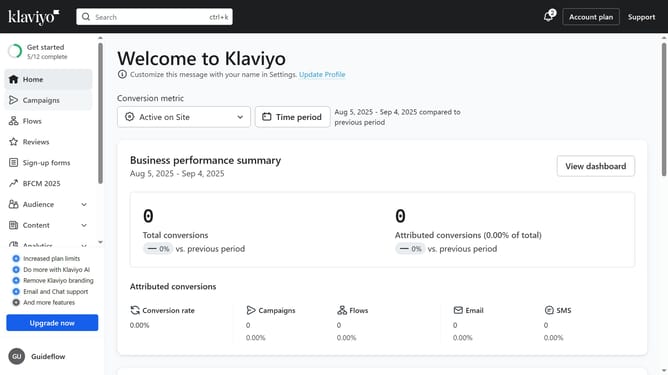
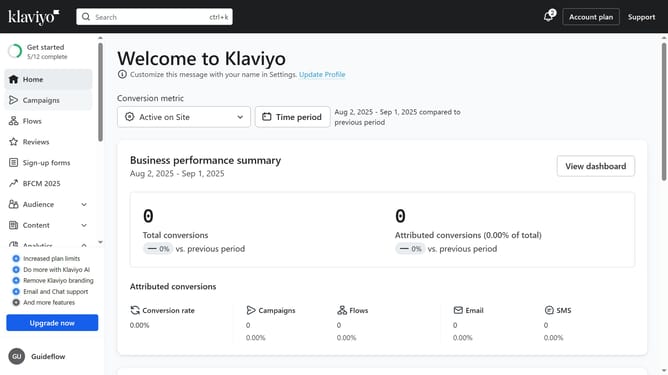
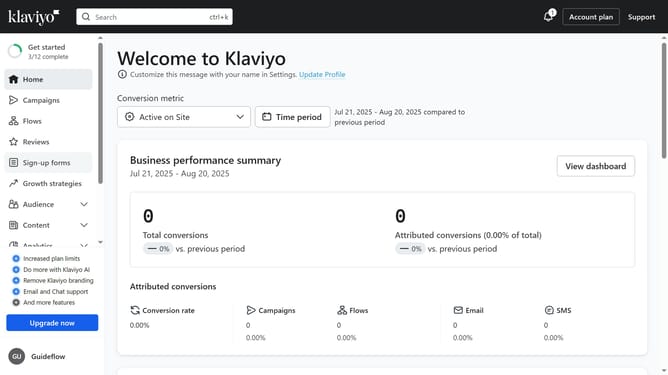
- First click on the "Campaigns" option in the left sidebar menu
- Then click on the "Archived" filter button in the top filter bar
- You are now viewing all archived campaigns and can select any campaign to review or restore
Why should you find your archived campaigns in Klaviyo
Klaviyo is a leading email marketing platform designed to help businesses engage seamlessly with their audience.
Discovering archived campaigns in Klaviyo is a breeze, thanks to its intuitive interface.
Accessing these campaigns allows you to review past performances, refine strategies, and optimize future emails effectively.
This feature empowers you to reclaim valuable insights, ensuring continuous improvement in your marketing endeavors.
Last update