How to find the unsubscribe link for a list in Klaviyo
Here is how to find the unsubscribe link for a list in klaviyo
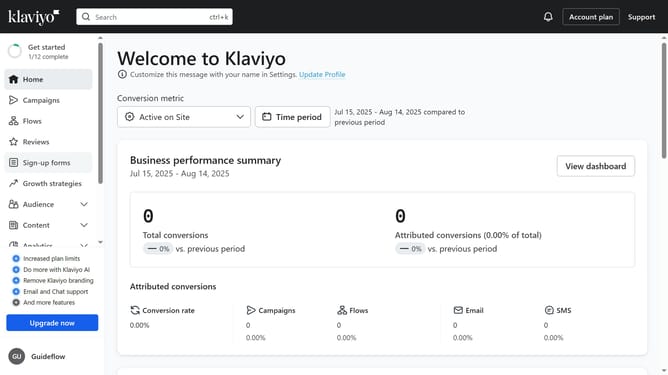
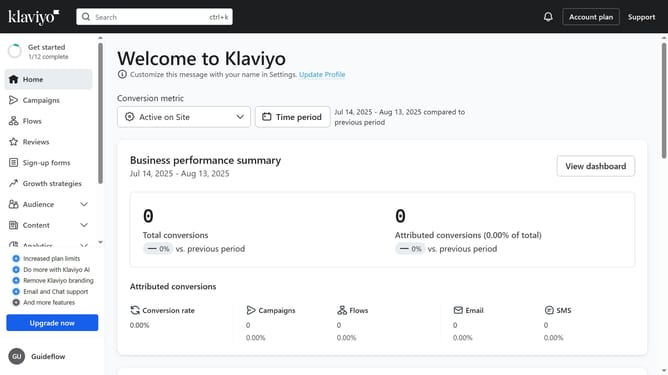
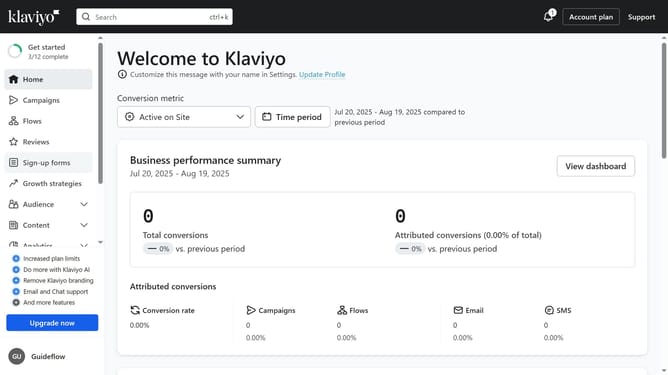
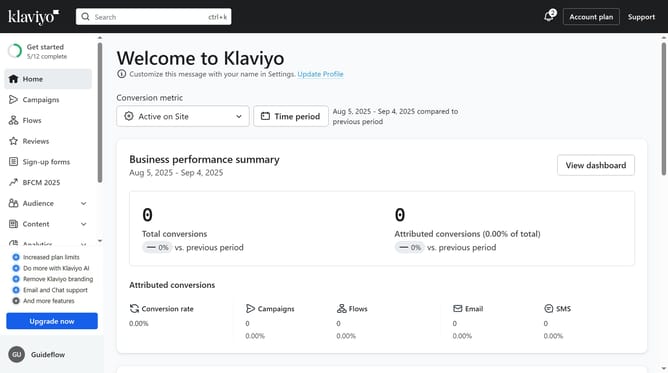
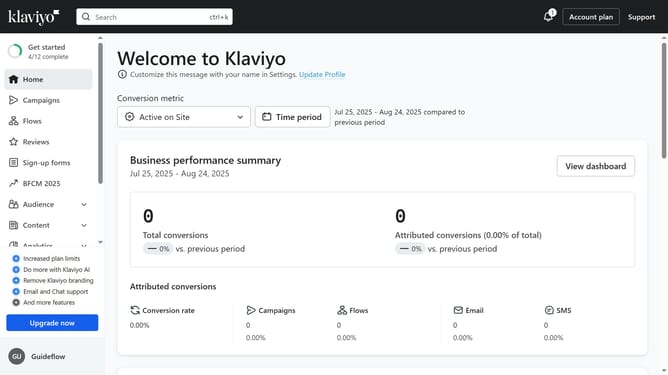
- First click on "Audience" in the left sidebar menu
- Next click on "Lists & segments" in the expanded Audience submenu
- Locate and click on the list for which you want the unsubscribe link
- Then navigate to the "Settings" tab
- Next click on "Consent" option in the left settings menu
- Finally you will see your unsubscribe link in the "Unsubscribe" section
Why should you find the unsubscribe link for a list in Klaviyo
Klaviyo is an innovative platform designed to optimize email marketing through personalized communication.
One standout feature is the ability to effortlessly find the unsubscribe link for any list. This feature ensures that your subscribers have a straightforward way to manage their preferences, enhancing their experience with your brand.
Utilizing the unsubscribe link feature helps maintain a healthy and engaged mailing list. It contributes to better deliverability rates and fosters trust and transparency with your audience.
Last update