How to create your first sign-up form in Klaviyo
Here is how to create your first sign-up form in klaviyo
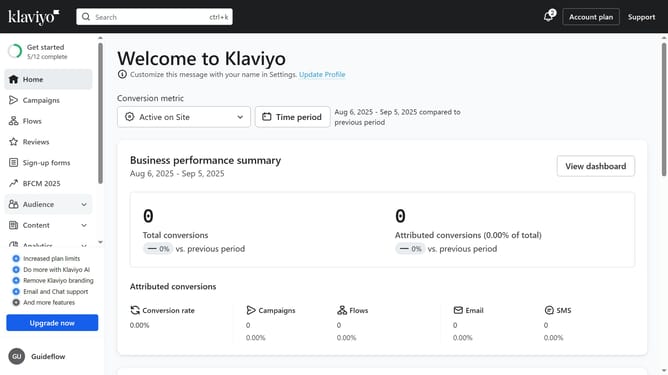
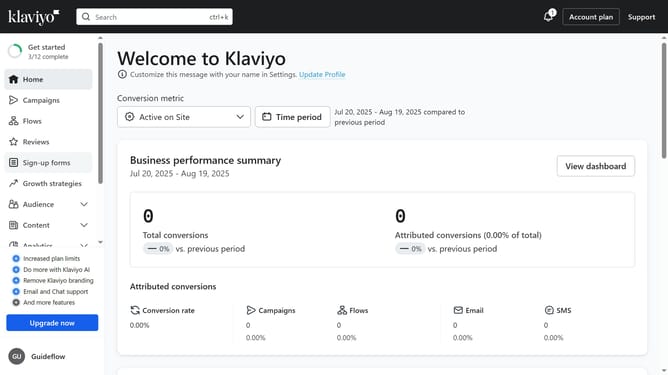
- First click on "Sign-up forms" in the left sidebar
- Click on "Get started" button in the main content area
- Choose the list that your form will submit to
- Click "Next" button in the top-right corner
- Then choose the type of sign-up form you want to use form the available options
- Click "Next" button to proceed
- Now decide whether to add a teaser to your form based on your preferences
- Click "Next" button to continue
- Next, choose whether to offer a coupon for signing up
- Click "Next" button to advance
- Next select a layout option
- Click "Edit form" button in the top-right corner
- Then in the form editor, you can edit the content and design to fit your brand
- Finally once your form is ready to share, click the "Publish" button
Why should you create your first sign-up form in Klaviyo
Klaviyo is a powerful marketing automation platform designed to help businesses grow through effective email and SMS campaigns.
Creating your first sign-up form in Klaviyo is a breeze, allowing you to effortlessly capture leads and build your email list. By leveraging Klaviyo's intuitive interface, you can easily customize your form to match your brand's style and messaging.
This feature not only aids in expanding your audience, but also enhances engagement, allowing for targeted communications and increasing conversion opportunities.
In essence, by using Klaviyo to craft your initial sign-up form, you set a strong foundation for customer relationships, ensuring that you communicate with your audience effectively and meaningfully.
Last update