How to delete a tag group in Klaviyo
Here is how to delete a tag group in klaviyo
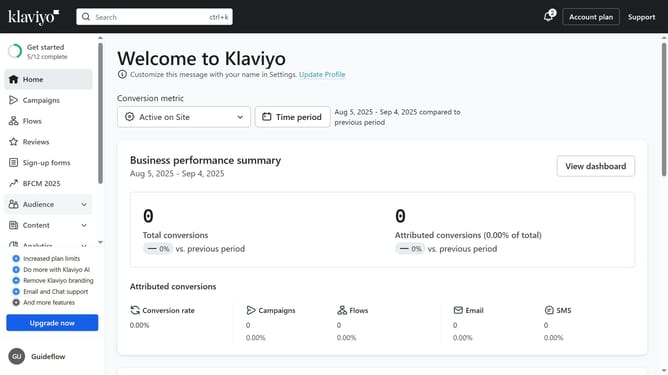
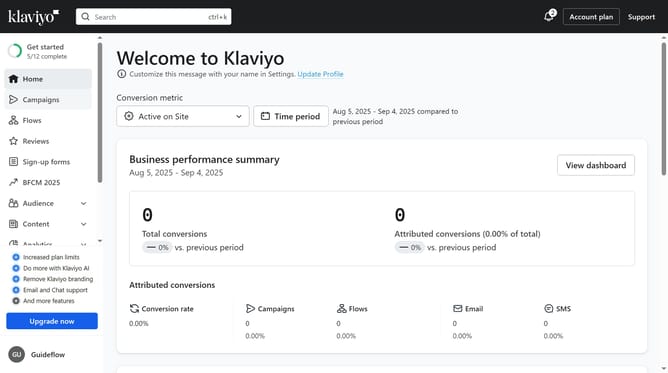
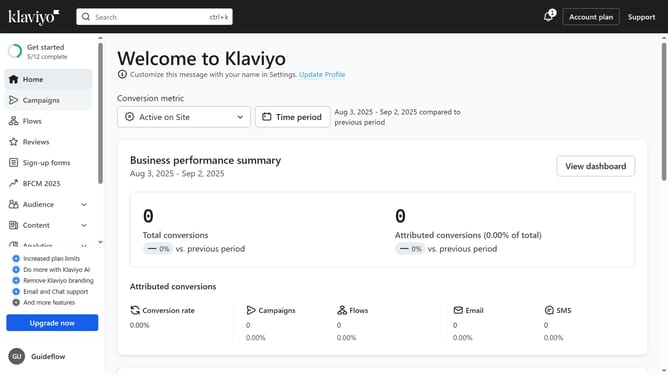
- First, click your organization name in the bottom left corner
- Next click on "Settings" option in the dropdown menu
- Click on "Tags" in the left settings navigation menu
- Find the tag group you want to delete
- Click on the "More options" button (three dots icon) next to it
- Then select "Delete tag group" from the dropdown menu
- Finally click on "Delete tag group" button in the confirmation dialog
- The tag group and all associated tags are now deleted
Why should you delete a tag group in Klaviyo
Klaviyo is a powerful marketing platform designed to boost customer engagement through email and SMS strategies.
One noteworthy feature is the ability to delete tag groups. This feature enables users to streamline their organization by removing obsolete tags, ensuring that only relevant data remains. As a result, businesses can maintain focus on active campaigns without being cluttered by outdated information.
Using this feature effectively enhances data management efficiency, providing a cleaner interface and improving overall productivity within the platform.
Last update