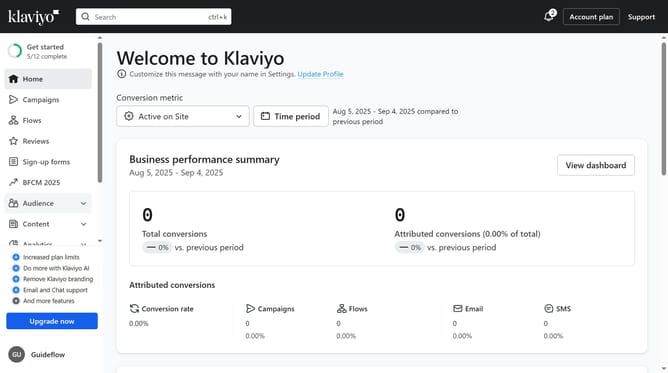
How to add a tag when creating a new list in Klaviyo
Here is how to add a tag when creating a new list in klaviyo
- First click on the "Audience" item in the left sidebar
- Next click on "Lists & segments" in the expanded Audience menu
- In the Lists & Segments page, click on the "Create New" button in the top-right corner
- Select "Create list" option from the dropdown menu
- Enter a name for your new list in the Name field
- Then click on the tags dropdown menu
- Select the tag you want to add, or create a new one by typing it into the textbox
- Finally click on the "Create list" button to create the new list with its tags
Why should you add a tag when creating a new list in Klaviyo
Klaviyo is a powerful platform that helps businesses enhance their marketing through personalized email and SMS strategies.
One key feature is the ability to add tags when creating a new list. This allows you to categorize and organize contacts efficiently.
By tagging lists, you streamline segmentation, making it easier to deliver targeted and relevant messages to specific audience groups.
The result is a more tailored marketing experience that boosts engagement and drives better results.
Last update