How to filter campaigns by sent status in Klaviyo
Here is how to filter campaigns by sent status in klaviyo
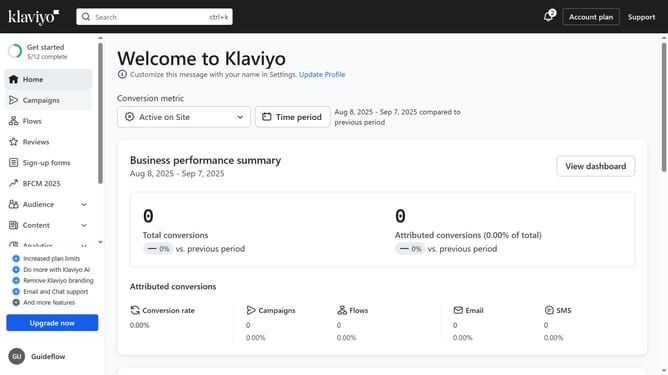
- First click on "Campaigns" in the left sidebar menu
- Next click on the "Status" dropdown filter in the top filter bar
- Then select "Sent" from the Status dropdown menu
- The campaigns list will now display only Sent campaigns
Why should you filter campaigns by sent status in Klaviyo
Klaviyo is a powerful email marketing platform designed to help businesses grow and manage customer relationships effectively.
One of its standout features is the ability to filter campaigns by sent status. This feature allows marketers to effortlessly track and manage email campaigns based on whether they are sent, scheduled, or in draft.
Utilizing this feature saves time by streamlining workflow and ensures better organization. It enhances strategic decision-making by providing clear insights into campaign statuses, improving overall marketing efficiency.
Last update